Chapter 4
4-18
d. Removing the head holder
(1) Drain the printer of inks. See Disassembly/Reassembly > Tips on Disassembly/Reassembly > Ink
Drain.
(2) Switch off the printer and move the carriage to above the platen. See Disassembly/Reassembly >
Tips on Disassembly/Reassembly > Open Cap/Shift Wiper Unit.
(3) Remove the shaft cleaner, tube holder cover and tube holder.
(4) Remove the printhead.
(5) Disconnect all connectors from the carriage relay PCB.
(6) Release the two flexible cables from the carriage claws (to prevent the elevation and defective
contact of the flexible cable on the head holder side).
(7) Remove the printhead fixer lever assembly.
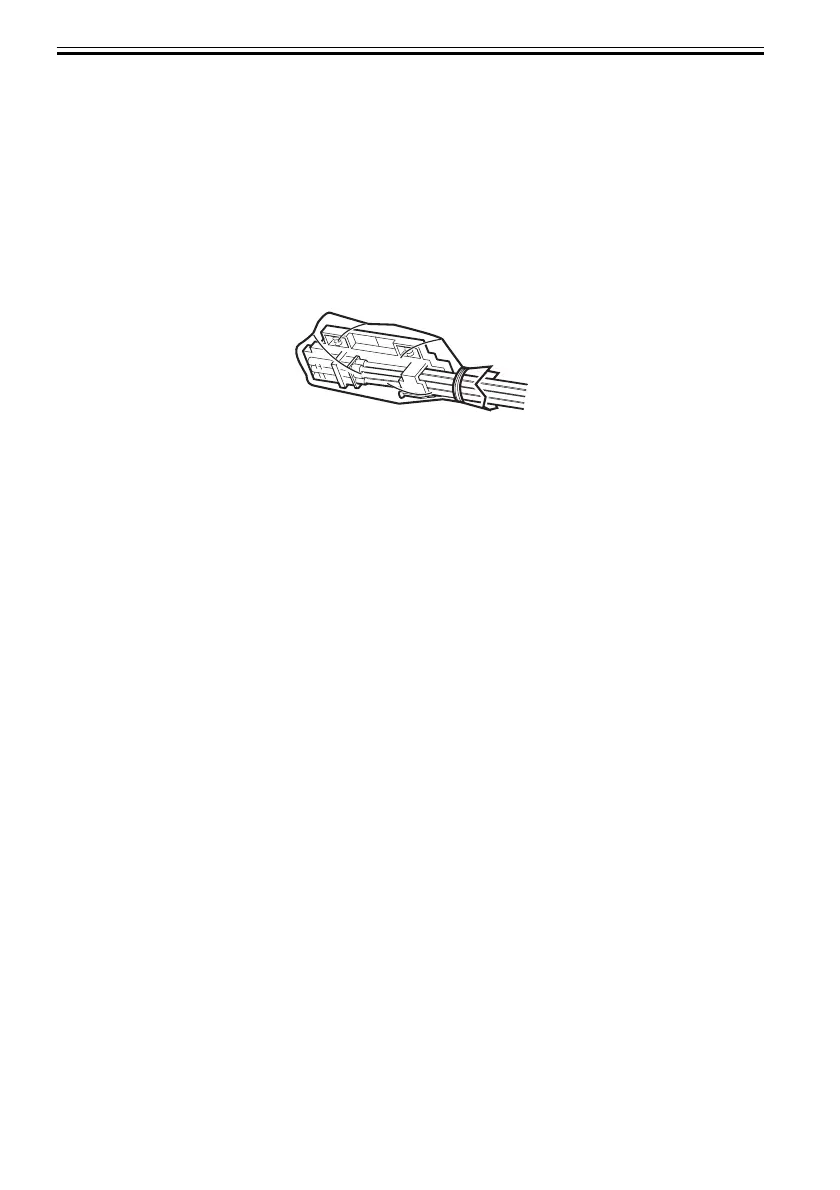
(8) Cover the printhead-side joint of the ink tube unit in a plastic bag or the like to prevent ink splashing
and leakage, and seal the mouth of the bag.
F-4-24













 To Next Page