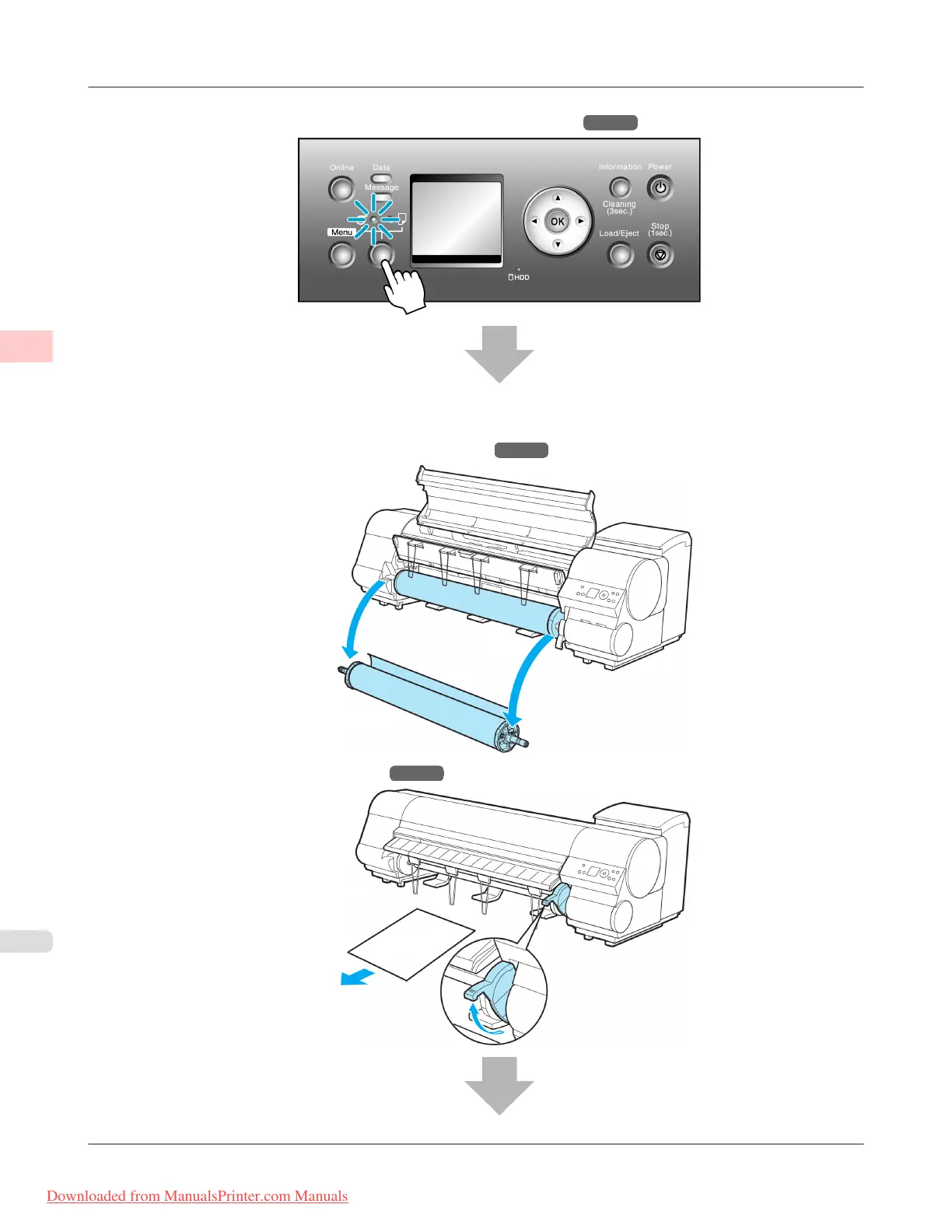
2. Select a roll as the paper source. (See "Selecting the Paper Source.") →P.631
3. Remove any loaded paper that will not be used.
• Rolls (See "Removing the Roll from the Printer.")
→P.634
• Sheets (See "Removing Sheets.") →P.656
Basic Printing Workflow
>
Printing procedure
>
Loading and Printing on Rolls iPF815
1
4
Downloaded from ManualsPrinter.com Manuals














 To Next Page