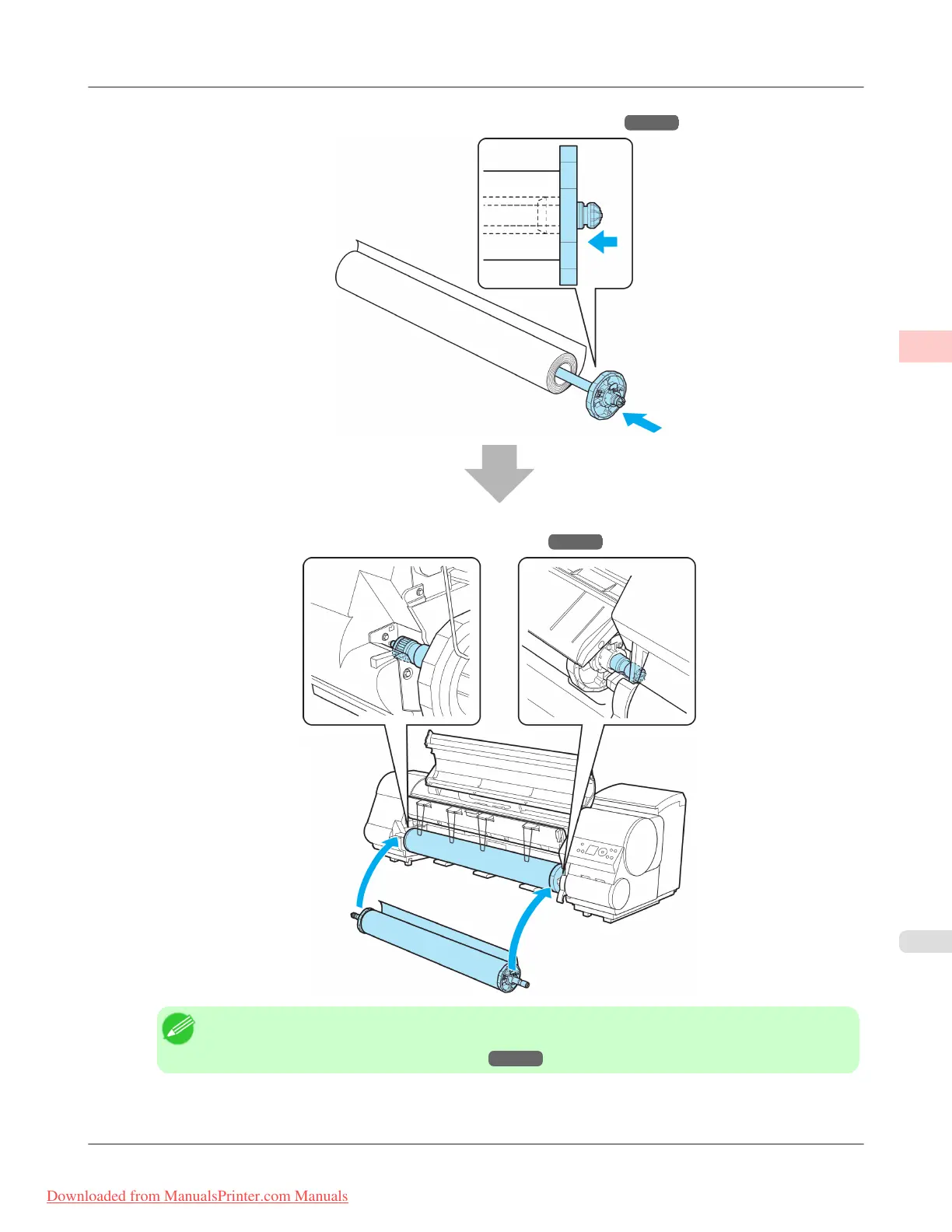
4. Load the roll on the Roll Holder. (See "Attaching the Roll Holder to Rolls.") →P.623
5. Load the roll in the printer. (See "Loading Rolls in the Printer.") →P.628
Note
• Before
borderless printing, make sure the blue Switch on the platen is set toward the ● side. (See
"Setting the Blue Switch on the Platen.")
→P.872
Basic Printing Workflow
>
Printing procedure
>
iPF815 Loading and Printing on Rolls
1
5
Downloaded from ManualsPrinter.com Manuals














 To Next Page