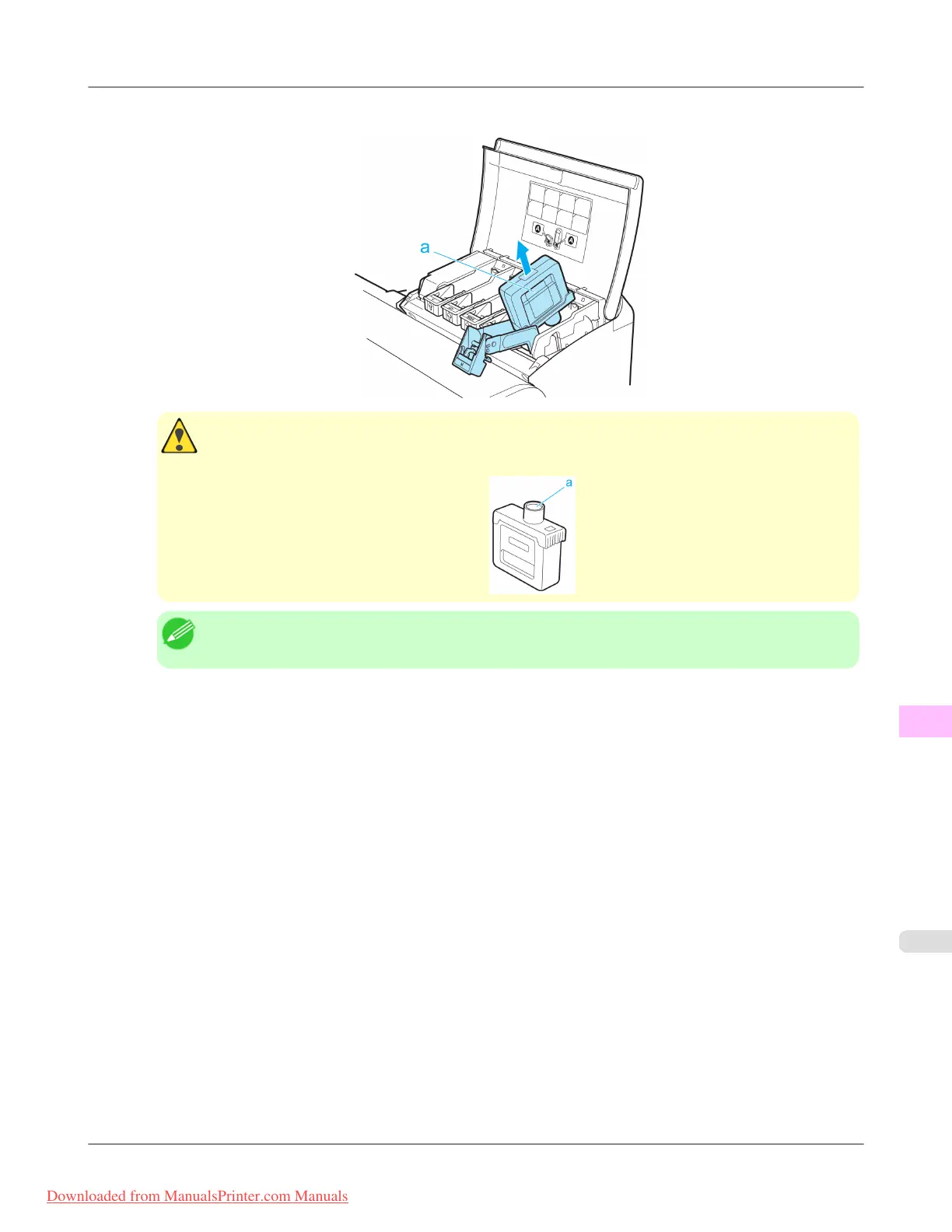
3. Hold the Ink Tank by the grips (a) and remove it. Press the OK button.
Caution
• If
there is still ink in the Ink Tank you removed, store it with the ink holes (a) facing up. Otherwise,
ink may leak and cause stains. Put the Ink Tank in a plastic bag and seal it.
Note
• Dispose of used ink tanks according to local regulations.
Maintenance
>
Ink Tanks
>
iPF815 Replacing Ink Tanks
11
807
Downloaded from ManualsPrinter.com Manuals














 To Next Page