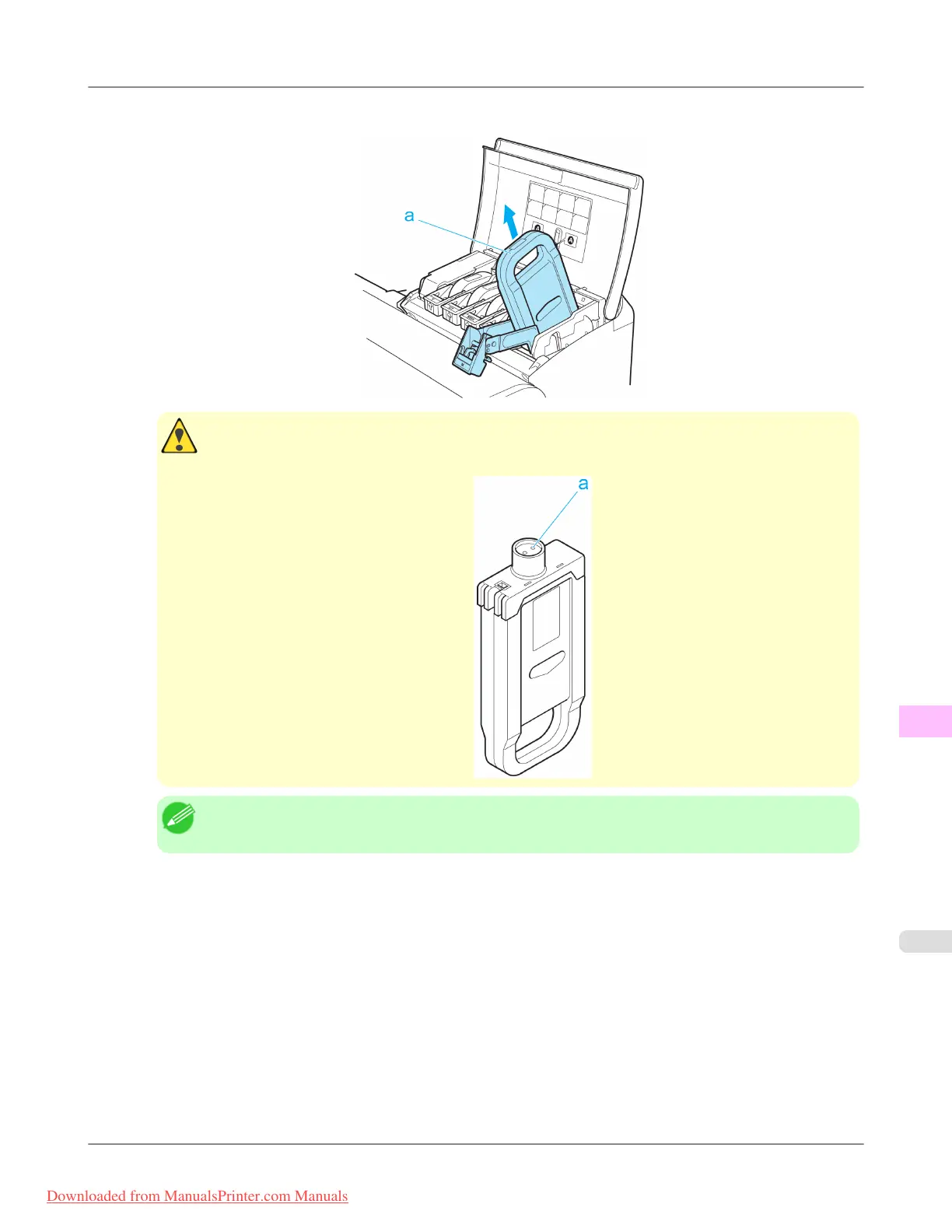
3. Hold the Ink Tank by the handle (a) and remove it. Press the OK button.
Caution
• If
there is still ink in the Ink Tank you removed, store it in the box with the ink holes (a) facing up.
Otherwise, ink may leak and cause stains.
Note
• Dispose of used ink tanks according to local regulations.
Maintenance
>
Ink Tanks
>
iPF815 Replacing Ink Tanks
11
809
Downloaded from ManualsPrinter.com Manuals














 To Next Page