LASER CLASS 730i/720i/710 Chapter 5: Appendix
5-27
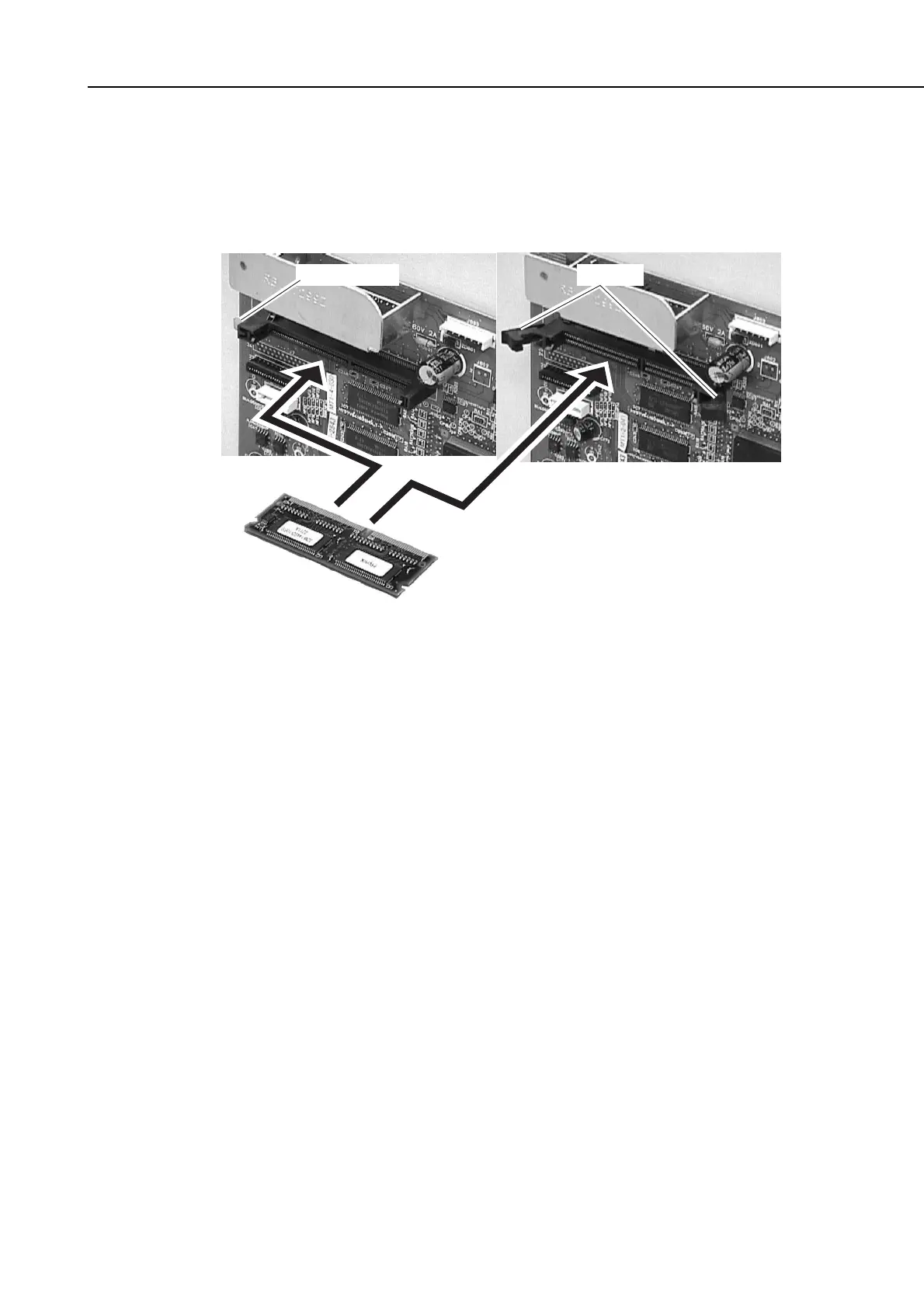
Push-button type socket Lever-type socket
LeversPush button
(2) If the socket of the memory board is of a push-button type, push the memory board all
the way in. If it is of a lever type, spread the right and left levers, and fit the memory
board. (The right and left levers will close on its own to secure the board in memory.)
Figure 5-27 Memory Board Installation 2
(3) Install jumper plug JP17 on the SCNT board.
(4) Fasten the shield plate in place with the seven screws. (eight screws for LASER
CLASS 730i/720i)
(5) Fasten the right cover in place with the two screws.
(6) Connect the modular jack cord (telephone line) to the fax.
(7) Connect the power supply cord to the fax.









 To Next Page