LASER CLASS 730i/720i/710 Chapter 5: Appendix
5-34
Lower reader cover
Stamp unit
Connector
Screw
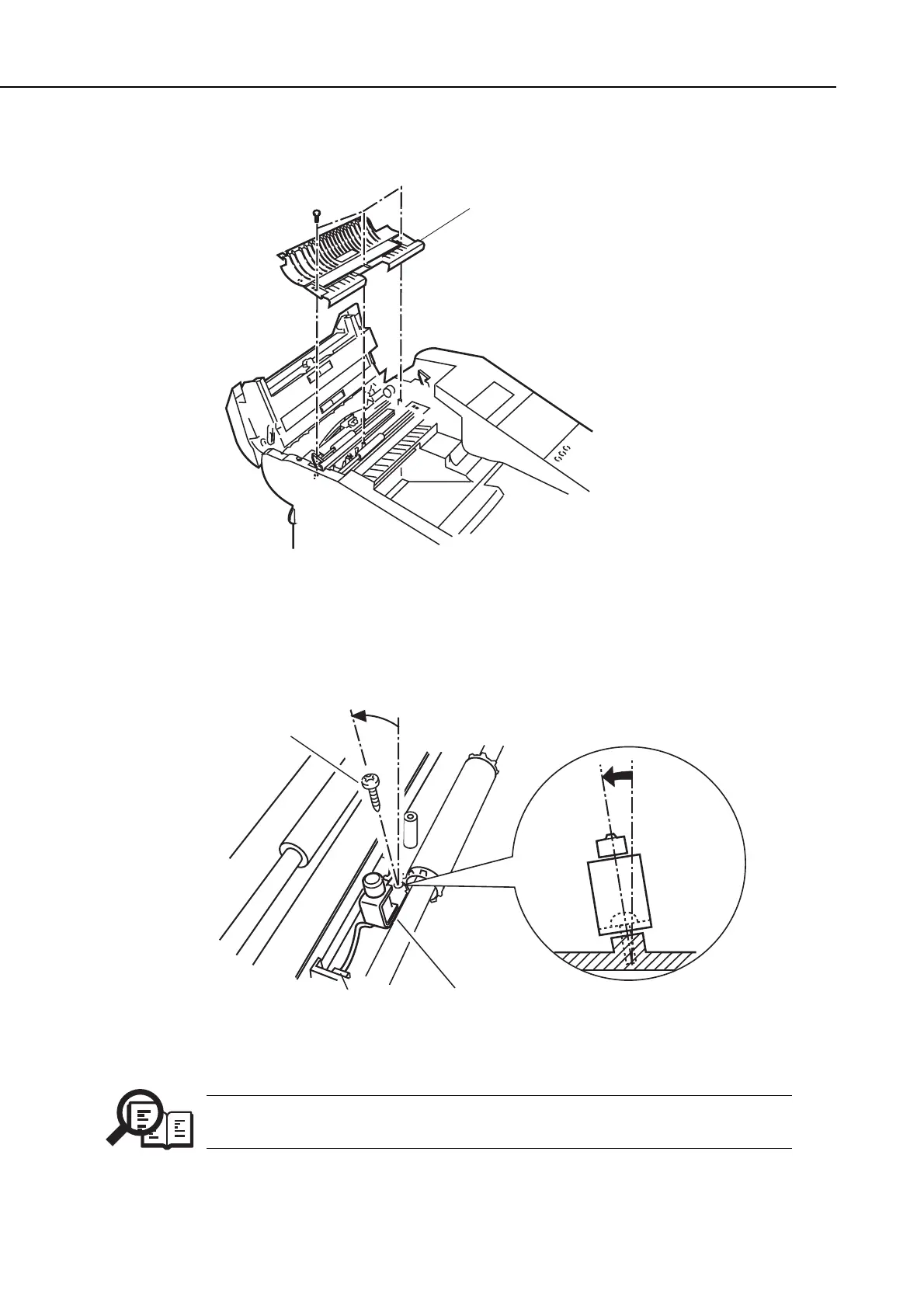
(3) Remove the three screws, and remove the lower reader cover.
Figure 5-35 Stamp Unit Installation 2
(4) Connect the stamp unit connector cable to the main unit, and fasten the stamp unit
with the one screw as shown below.
Figure 5-36 Stamp Unit Installation 3
NOTE
As shown in the figure, angle the boss slightly, insert the screw, and fix the
stamp unit into place.
manuals4you.commanuals4you.com









 To Next Page