LASER CLASS 730i/720i/710 Chapter 5: Appendix
5-36
10011000
Data Registration
Standby
Set
#
SERVCE MODE
#1 SSSW
Set
#1 SSSW
SW06
#1 SSSW
DATA ENTRY OK
Stop
Display SW06 by
pressing or button
1. ECM TX
6. STAMP ACTION
ON
OFF
DIRECT & MEMORY TX
DIRECT TX
3. FAX SETTINGS
1. PAPER SETTINGS
Data Registration
3. TX SETTINGS
(9) In the service mode, set #1SSSW SW06 Bit3 to 1.
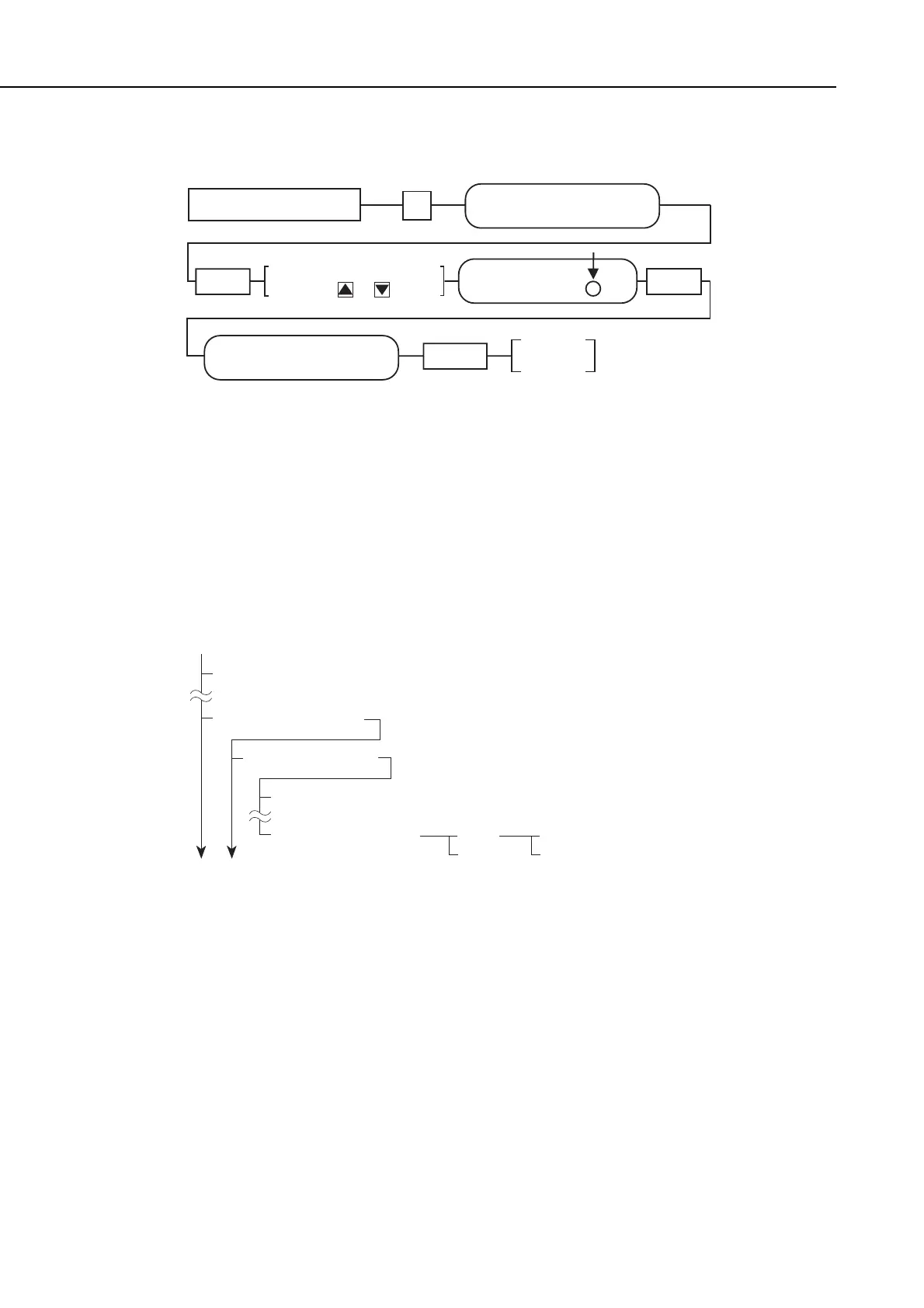
Figure 5-39 Flow Chart of Changing SSSW
b-3) Operation check
After setting 6. STAMP ACTION of USER DATA to “ON”, or after pressing the Stamp
button on the operation panel and turning the stamp function “ON” using the search
button, fax a document to verify that a stamp is put at the bottom of the document
scanning surface during scanning.
Figure 5-40 User Data Menu
manuals4you.commanuals4you.com









 To Next Page