LASER CLASS 730i/720i/710 Chapter 5: Appendix
5-40
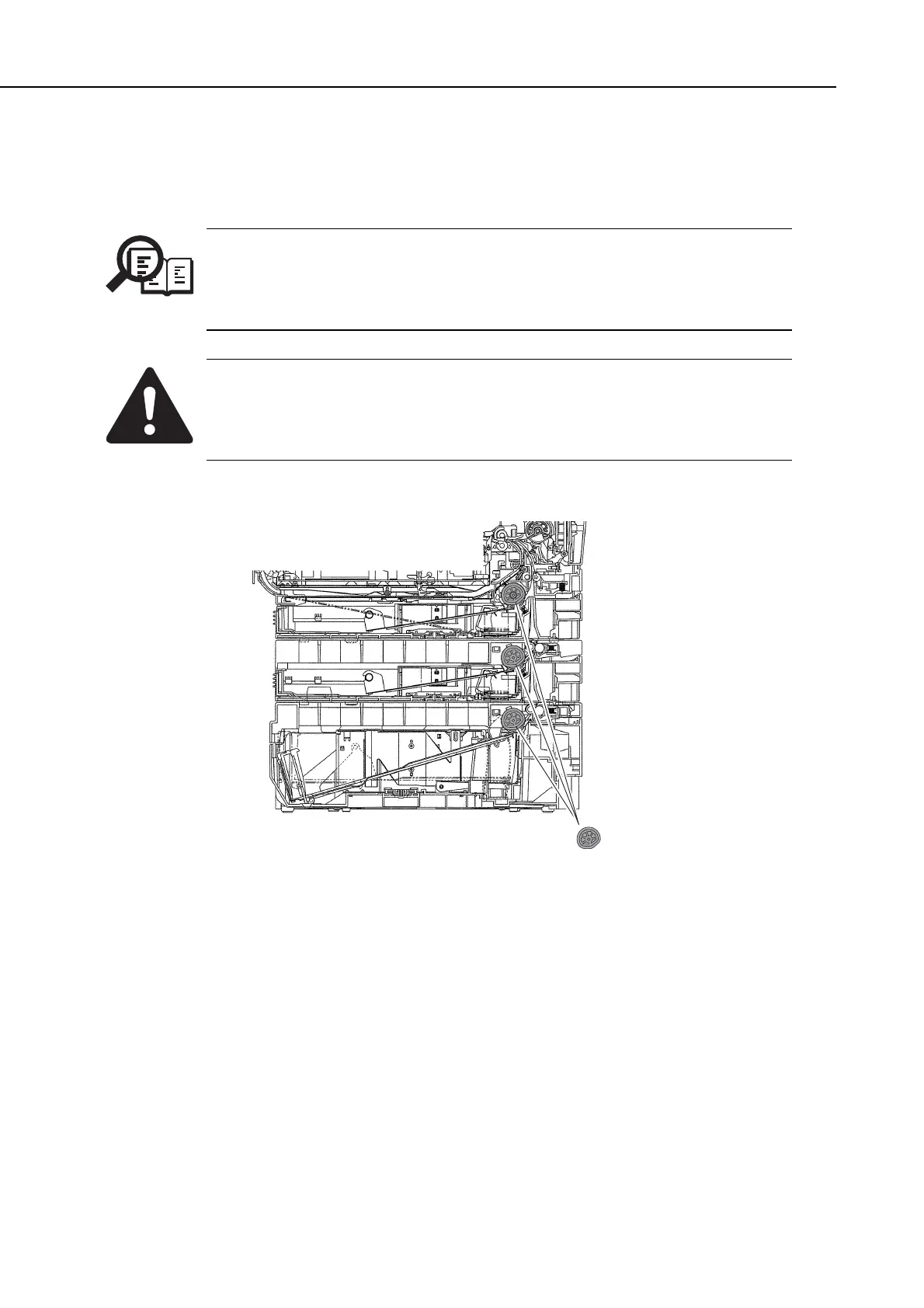
(2) When you plug the power cord into a socket, “SUPPLY REC. PAPER” is displayed
and the Alarm lamp blinks. Check that the cassette pickup roller is at its initial
position.
NOTE
After connecting the FXL-Cassette Feeder 6 and install the toner cartridge,
when you plug the power cord, the main unit automatically detects that the
feed unit is connected and the cassette pickup roller is set to its initial
position. This initial position is as shown in below.
After connecting the FXL-Cassette Feeder 6, if you load the cassette when the
cassette pickup roller is not in its initial position, then the cassette will strike
the roller and may break it. Always check that the roller is in its initial
position before loading the cassette.
Figure 5-45 Cassette Feeder Installation 2
Cassette pickup roller
initial position
manuals4you.commanuals4you.com









 To Next Page