LASER CLASS 730i/720i/710 Chapter 5: Appendix
5-46
3.5.2 Service operations
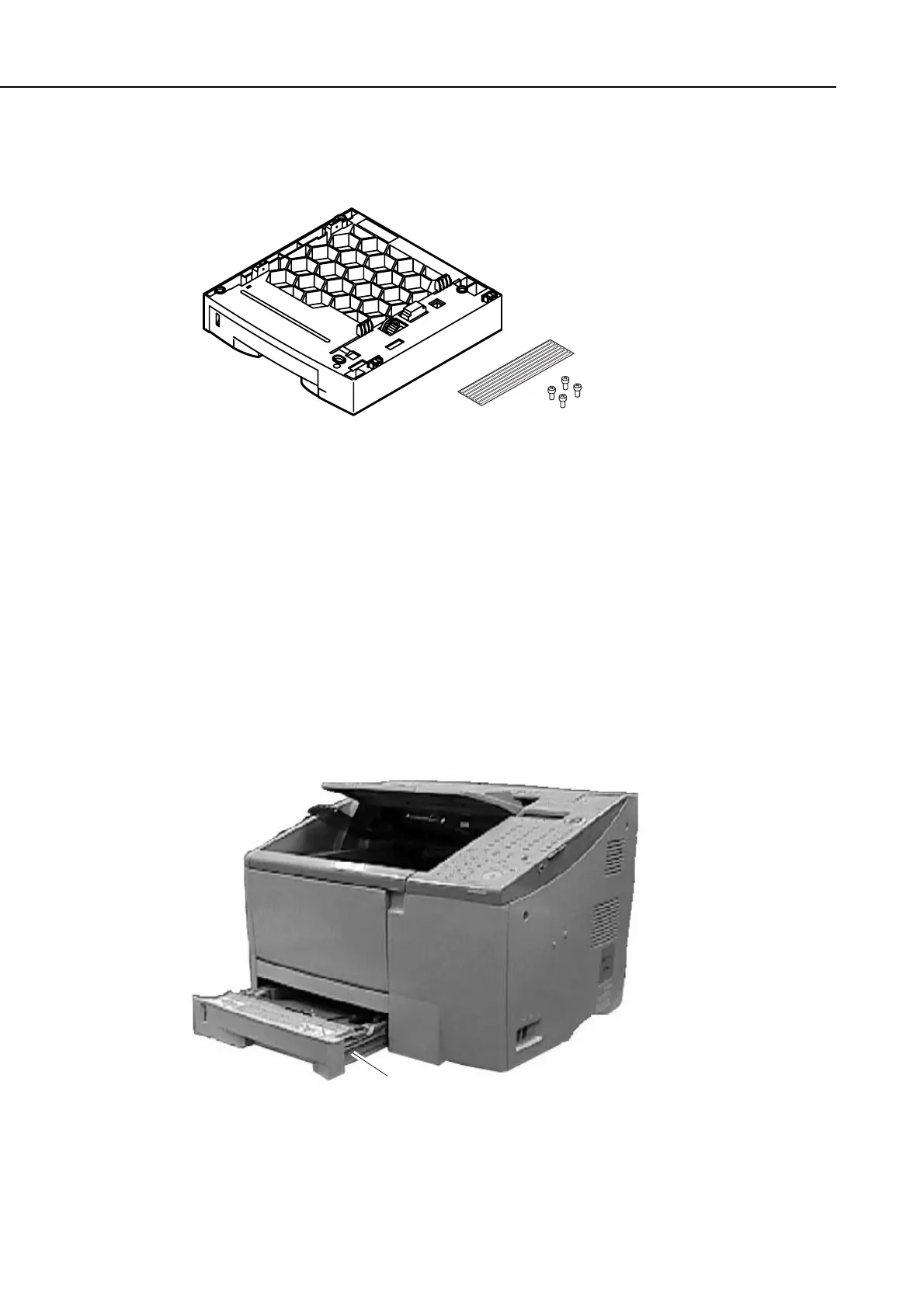
a) External View
Figure 5-50 External View
b) Installation
b-1) Unpacking
Check that the box contains the cassette feeder including the paper cassette, four screws
and label.
b-2) Preparation
Perform the steps below before attaching the cassette feeder.
(1) Disconnect the modular jack cord (telephone line) from the fax.
(2) Disconnect the power cord of the fax unit at the power source.
(3) Remove the 250-sheet cassette.
Figure 5-51 Preparation for Installation 1
Cassette
manuals4you.commanuals4you.com









 To Next Page