LASER CLASS 730i/720i/710 Chapter 5: Appendix
5-72
b-6) Removing the kit
When removing the kit, perform the steps in b-4) Attaching to the main unit in reverse
order. Be sure to remove the kit only after turning the power off.
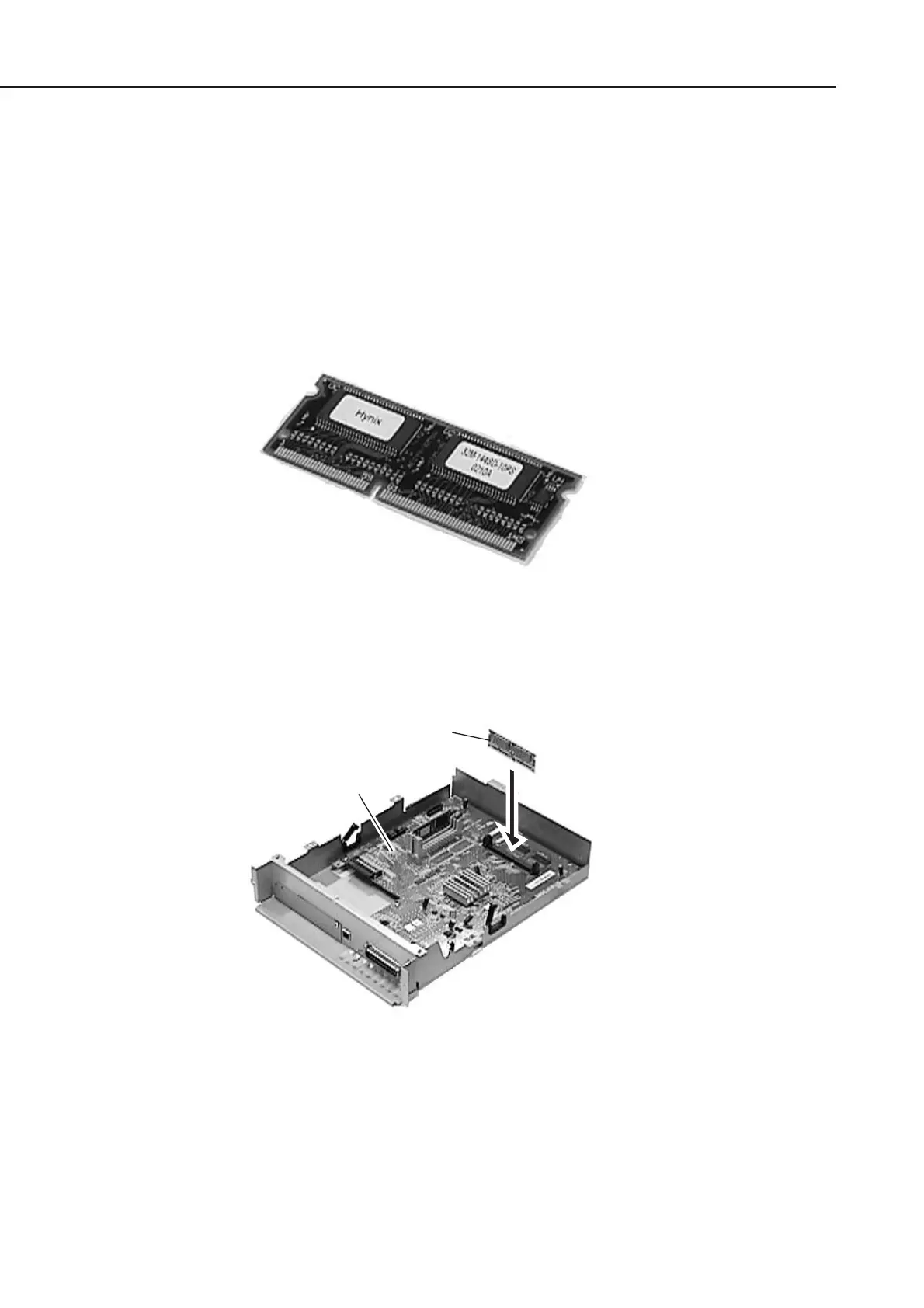
b-7) Installing the Option Memory
Either one piece of 32M-bite memory or 64M-bite memory can be installed to the kit.
When adding a memory after installing the Printer Kit III, be sure to unplug the power
code of the main unit.
Figure 5-81 Option Memory 1
(1) Inset the memory board in the connector J4 of the PCL board as far as it will go.
Figure 5-82 Option Memory 2
(2) Check to make sure that the values of TOTAL MEMORY of the TEST PRINT, which
was outputted at the step 2.5 Check after the Kit Installation, are as follows.
The value should be 48MB in case that the 32M-byte memory is added.
The value should be 80MB in case that the 64M-byte memory is added.
Memory board
Memory board
PCL board
manuals4you.commanuals4you.com









 To Next Page