LASER CLASS 730i/720i/710 Chapter 5: Appendix
5-74
3.7.5 ROMs in the package
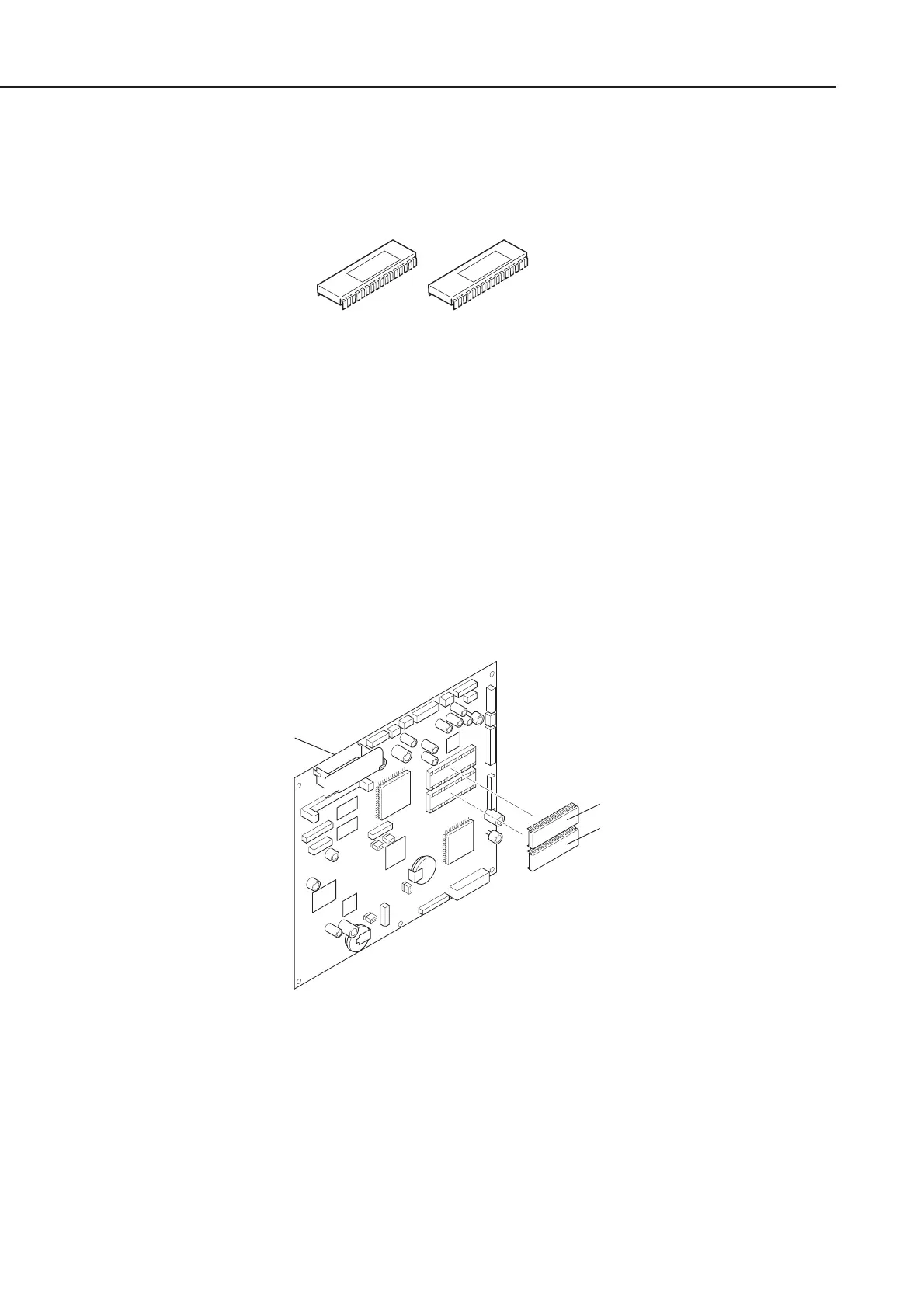
In case of the two ROMs included in Printer Kit III, these ROMs are for the SCNT Board of
the main unit. ROM replacement is required to install Printer Kit III, follow the steps below.
Figure 5-83 External View
a) Lists Output
As “All clear” is carried out after ROM replacement, output the lists (such as 1-touch list,
Coded dial list and Changed data list*) beforehand. These lists are used to register the data
again after “All clear”.
* Changed data list is User’s data list and System data list outputted together with Counter
report.
b) ROM replacement
(1) Remove the two ROMs (IC1, IC2) using a IC-removing tool.
(2) Attachment the new two ROMs.
Figure 5-84 ROM Replacement
IC1
3790-xx
IC2
3791-xx
IC1
IC2
SCNT board
manuals4you.commanuals4you.com









 To Next Page