LASER CLASS 730i/720i/710 Chapter 5: Appendix
5-75
c) Execute an All Clear
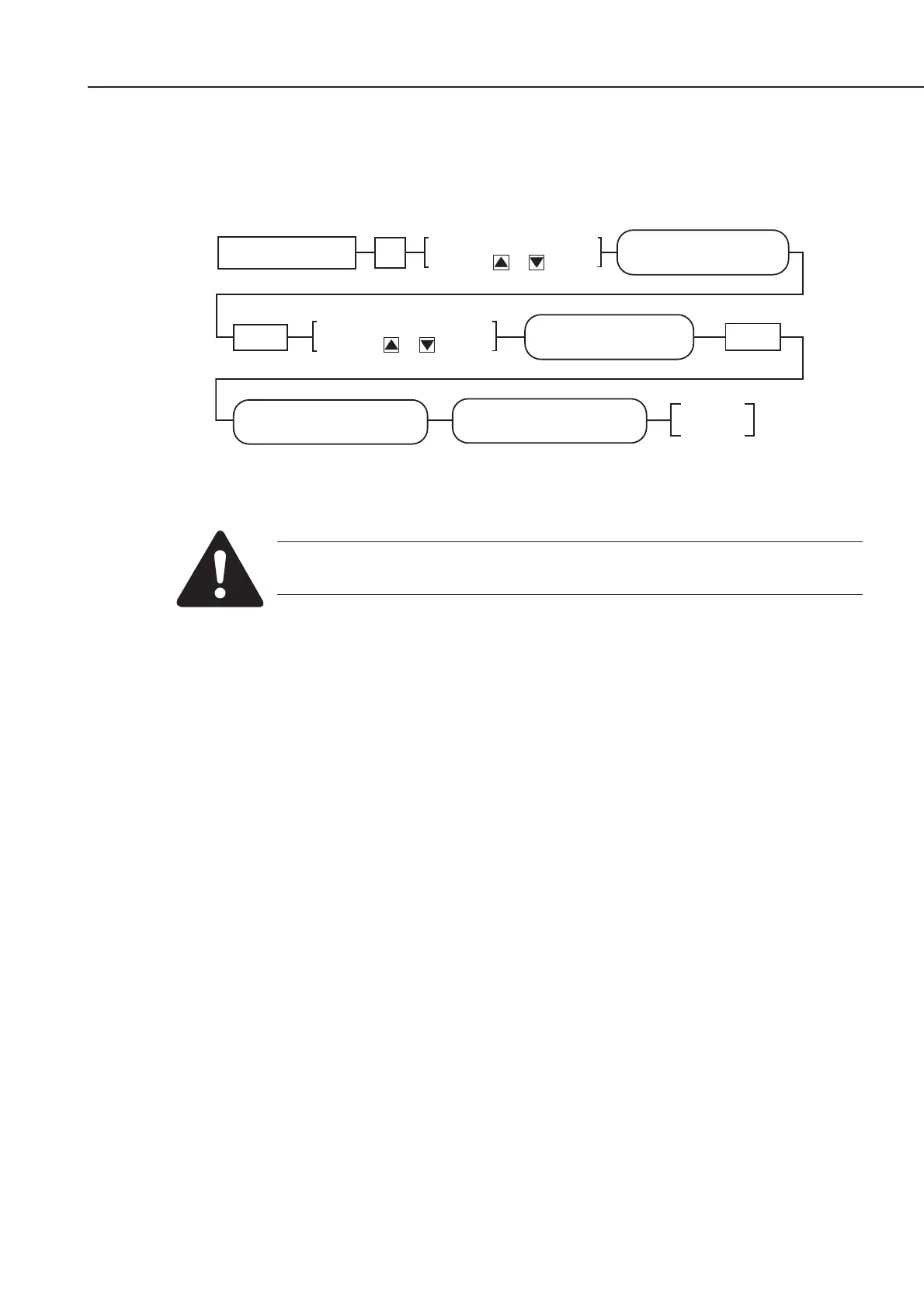
After ROM replacement and Printer Kit III installation, carry out “All Clear” by the steps
below.
Figure 5-85 All Clear Operation
While waiting to return to the ready state after executing “All clear”, please
do not press the stop button. Doing so may cause a malfunction afterwards.
d) Data Re-registration
Check the lists outputted before ROM replacement, and register the data again if
necessary.
Standby
#12 CLEAR
CLEAR OK
PLEASE WAIT
Set
SERVICE MODE
#12 CLEAR
Data Registration #
Display #12 CLEAR by
pressing or button
Display ALL by
pressing or button
#12 CLEAR
ALL
Set









 To Next Page