Preset category:[Layout]
Setting Settings values Function
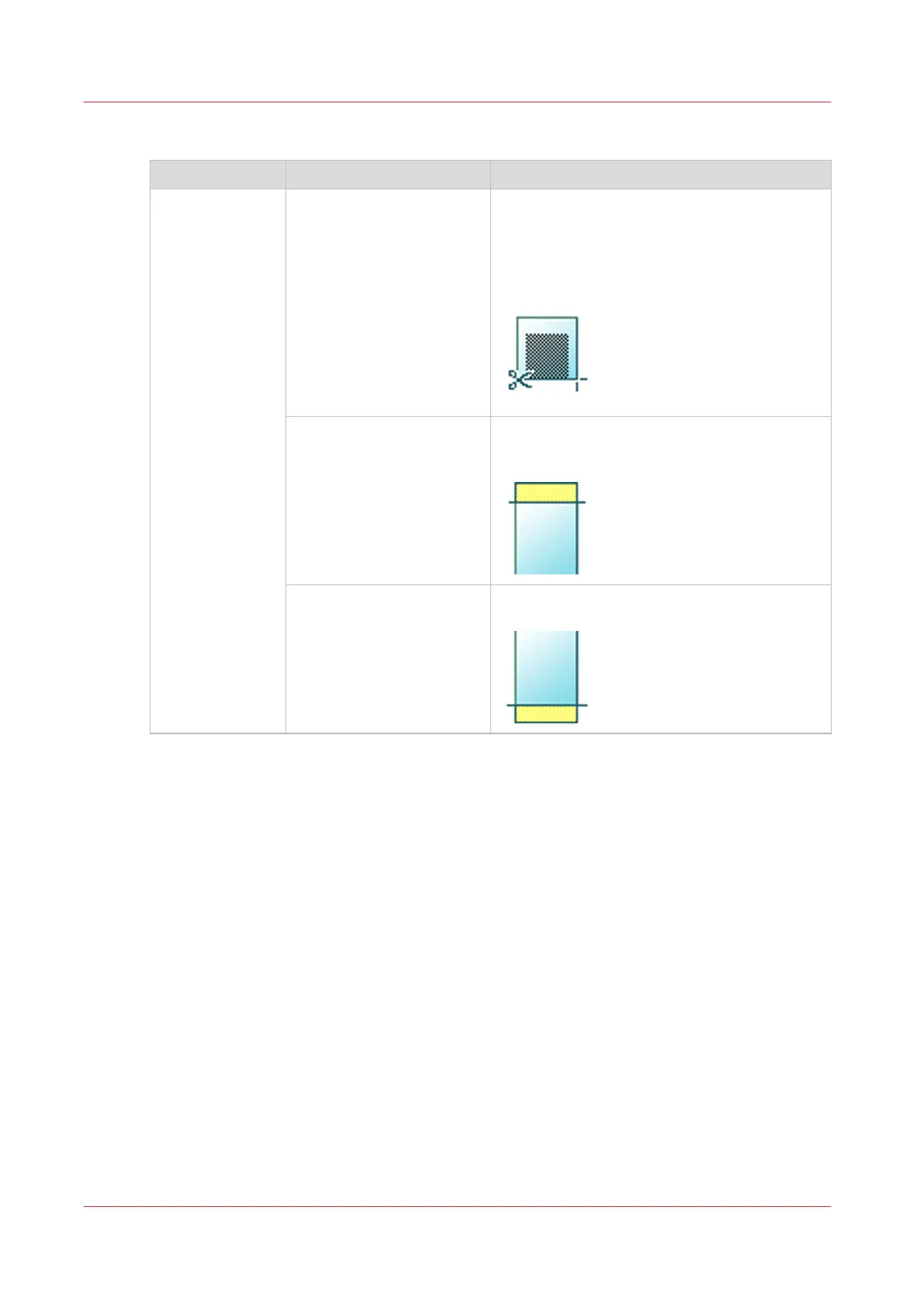
[Cut size] [Cut method]:
• [Synchro]
• [Standard]
• [Custom]
When set to [Synchro], the print is cut depen-
ded of the image.
When set to [Standard], the print is cut to a
standard media size.
When set to [Custom], you must enter the
sizes manually.
[Add a leading strip] Adds a blank strip at the beginning of the out-
put.
From 0 to 400 mm or 0 to 16".
[Add a trailing strip] Adds a blank strip at the end of the output.
From 0 to 400 mm or 0 to 16".
4
Advanced settings for copy jobs
176
Chapter 4 - Use the Printing System










 To Next Page