Replace the Media
Remove a media roll
IMPORTANT
• Handle the media roll with care. A dented media roll can damage the printer.
• Do not open the media drawer during the printing process.
CAUTION
• Watch your fingers when you handle the media roll.
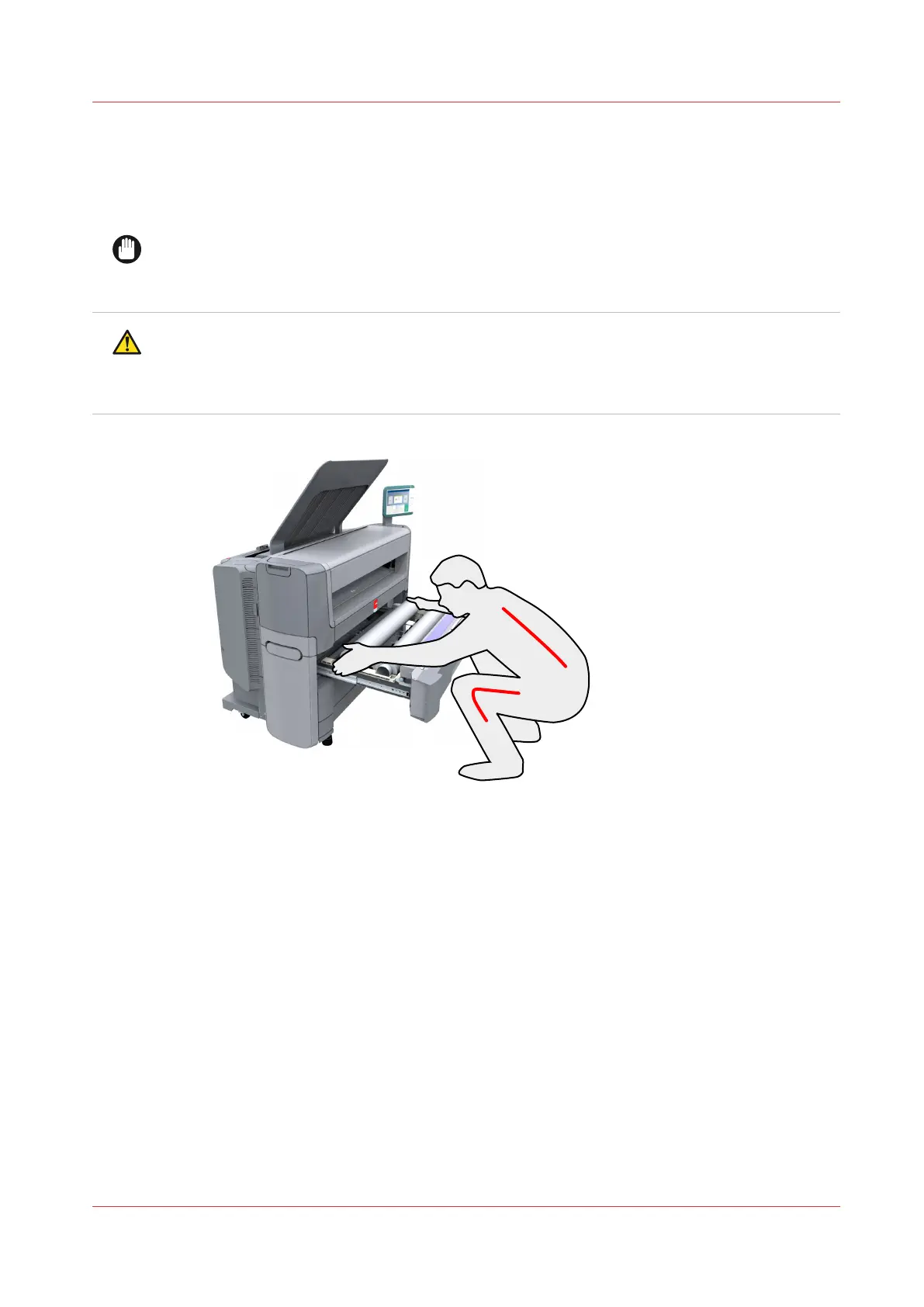
• If you want to remove an A0 media roll from position 2, make sure to bend your knees, as
indicated below, to spare your back.
Replace the Media
Chapter 6 - Maintain the Printing System
231










 To Next Page