Clear a media jam in the second fold section
Procedure
1.
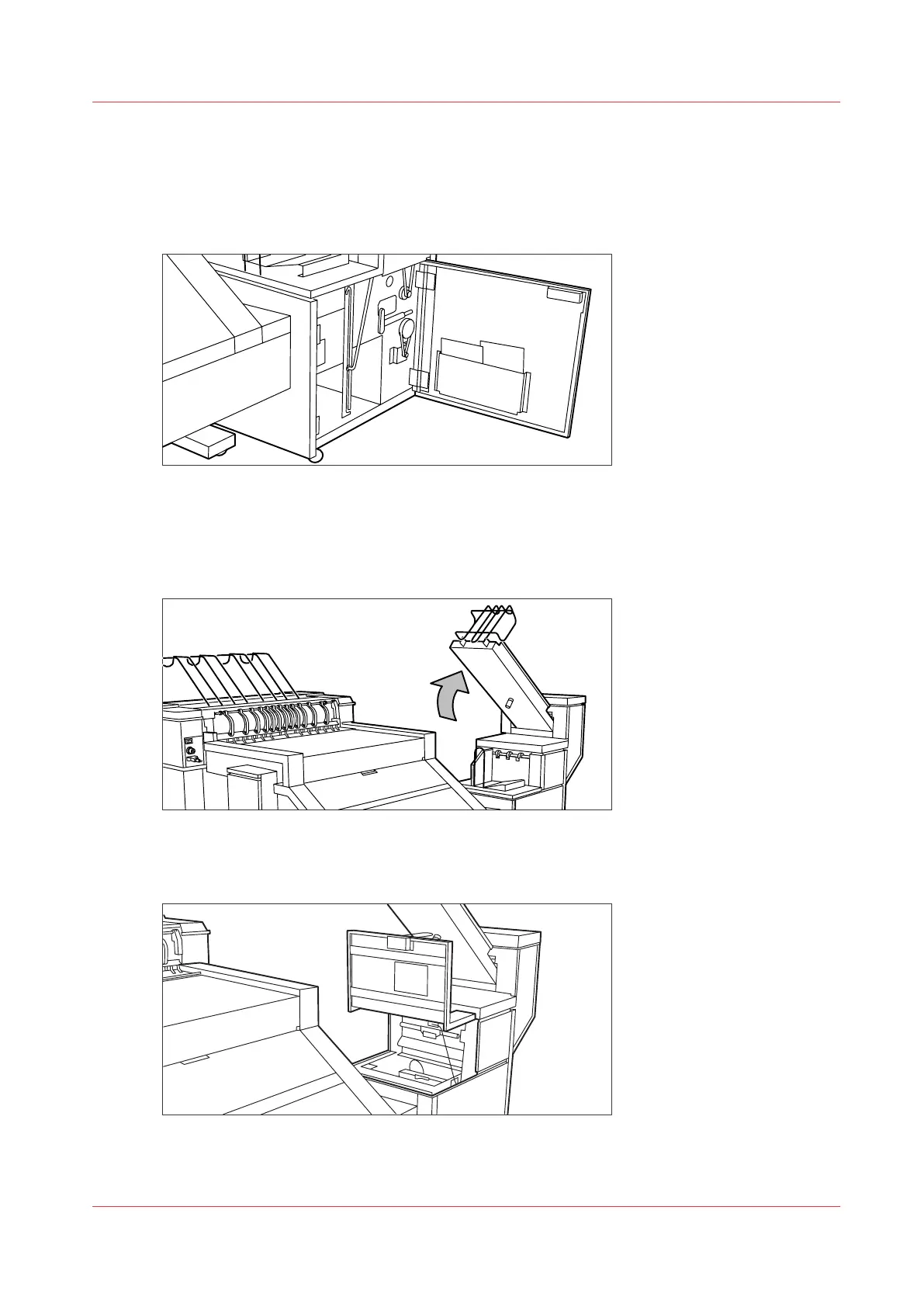
Open the front door of the second fold section.
[25] Opening the front door of the second fold section
2.
Remove any jammed printing material at the bottom of the second fold section.
3.
Close the front door of the second fold section.
4.
When you have a belt unit, put the belt in an upright position.
[26] Putting the belt in an upright position
5.
Open the delivery unit.
[27] Opening the delivery unit
Clear a media jam in the second fold section
Chapter 9 - Solve Problems
291










 To Next Page