Maintain the Reinforcement Unit (Optional)
Remove an empty tape roll
Introduction
When the tape roll of the reinforcement unit is empty a message appears on the user panel.
Procedure
1.
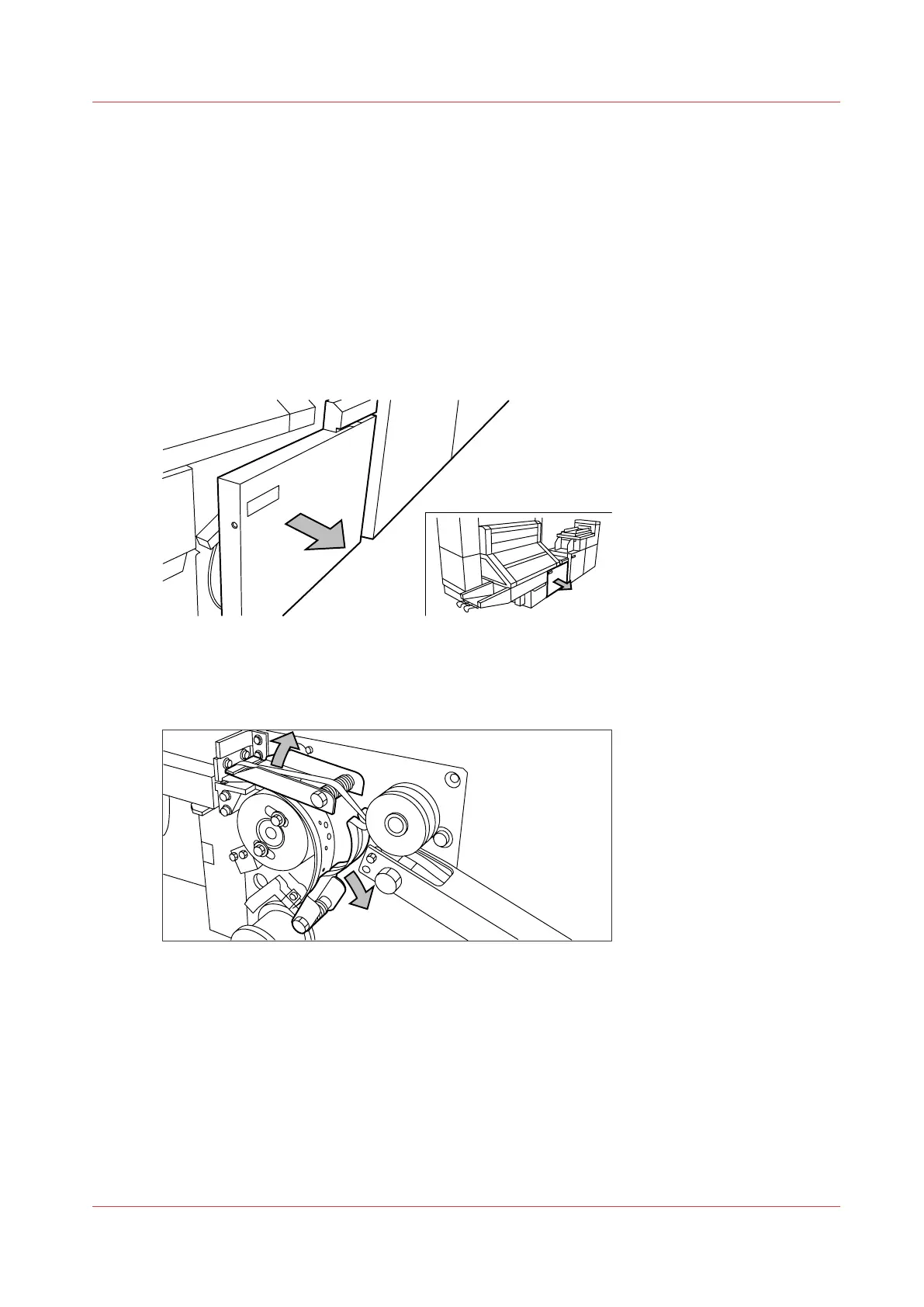
Open the side door of the reinforcement unit; see the illustration below.
[4] Opening the side door of the reinforcement unit
2.
Turn the two guide plates away from the pin roller and lock the two guide plates into their open
position.
[5] Opening the guide plates
Maintain the Reinforcement Unit (Optional)
Chapter 6 - Maintain the Printing System
257










 To Next Page