Turn off the printing system
Introduction
When you want to switch off the printing system completely, you have to take a few steps.
Procedure
1.
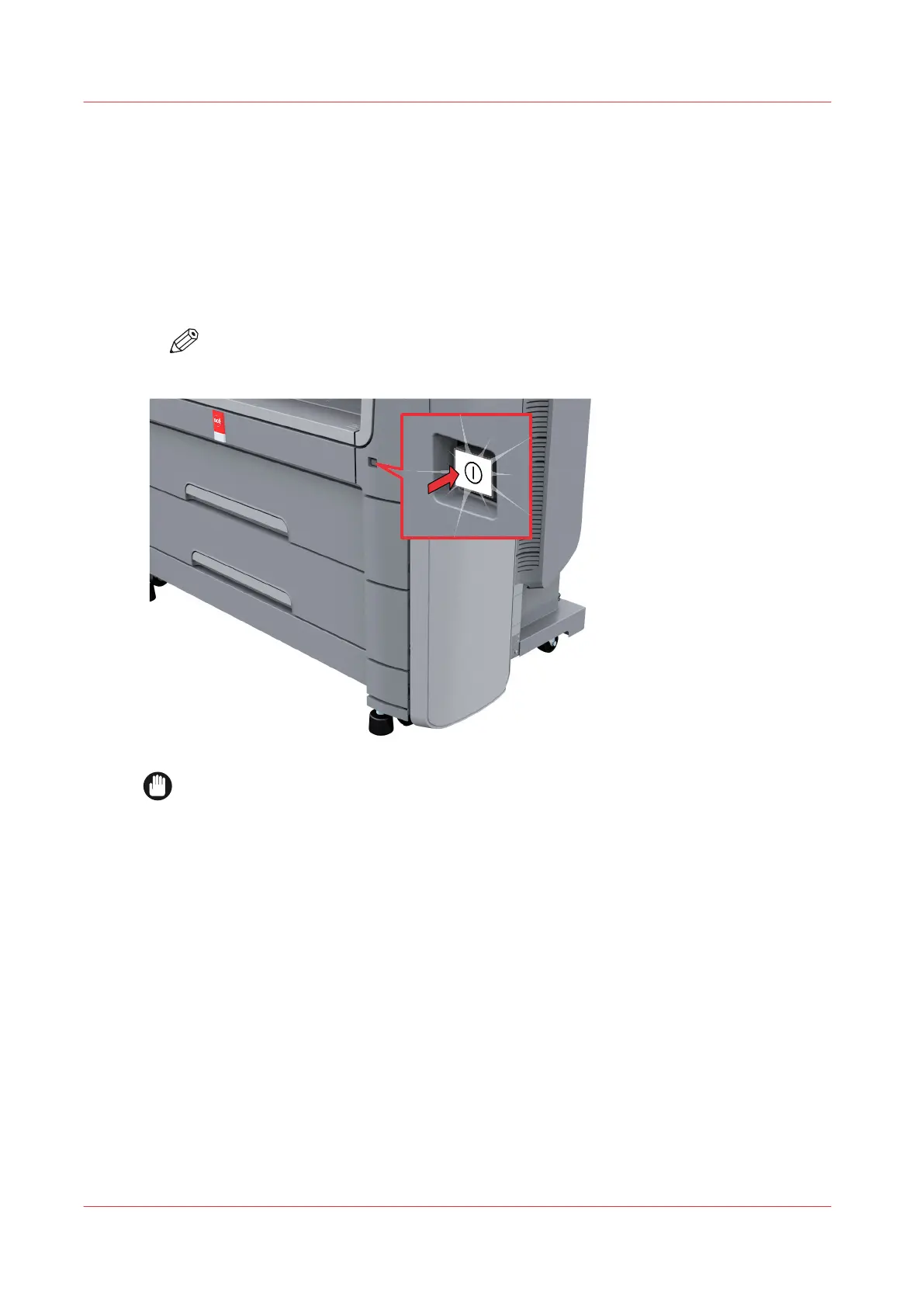
Press the on/off button at the front of the printer to switch the printing system off. The button
light starts to blink.
NOTE
You can also use the [Shut down] button in Océ Express WebTools.
IMPORTANT
Wait until the on/off button stops blinking.
Turn off the printing system
22
Chapter 2 - Get to Know the Printing System










 To Next Page