Clear a media jam in the heater section
Introduction
When a media jam in the heater section occurs, you have to handle with care.
IMPORTANT
During normal use, the fuser has to remain closed. Only open it to remove the media after a
media jam.
Procedure
1.
Wait a few moments to let the heater cool down.
2.
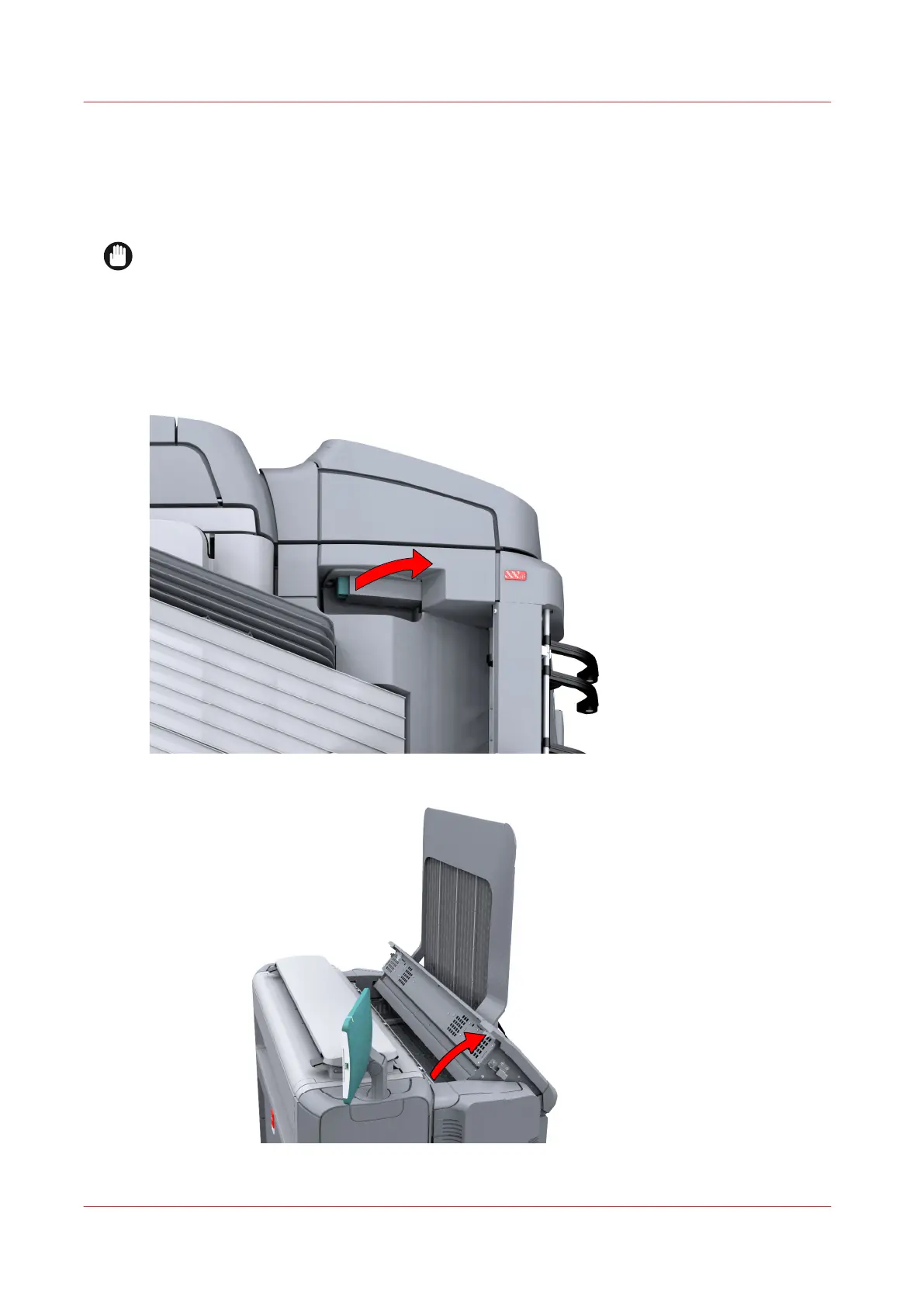
Use the media jam clearance handle to open the upper back cover.
3.
Remove any jammed printing material from the fuser section.
Clear a media jam in the heater section
284
Chapter 9 - Solve Problems










 To Next Page