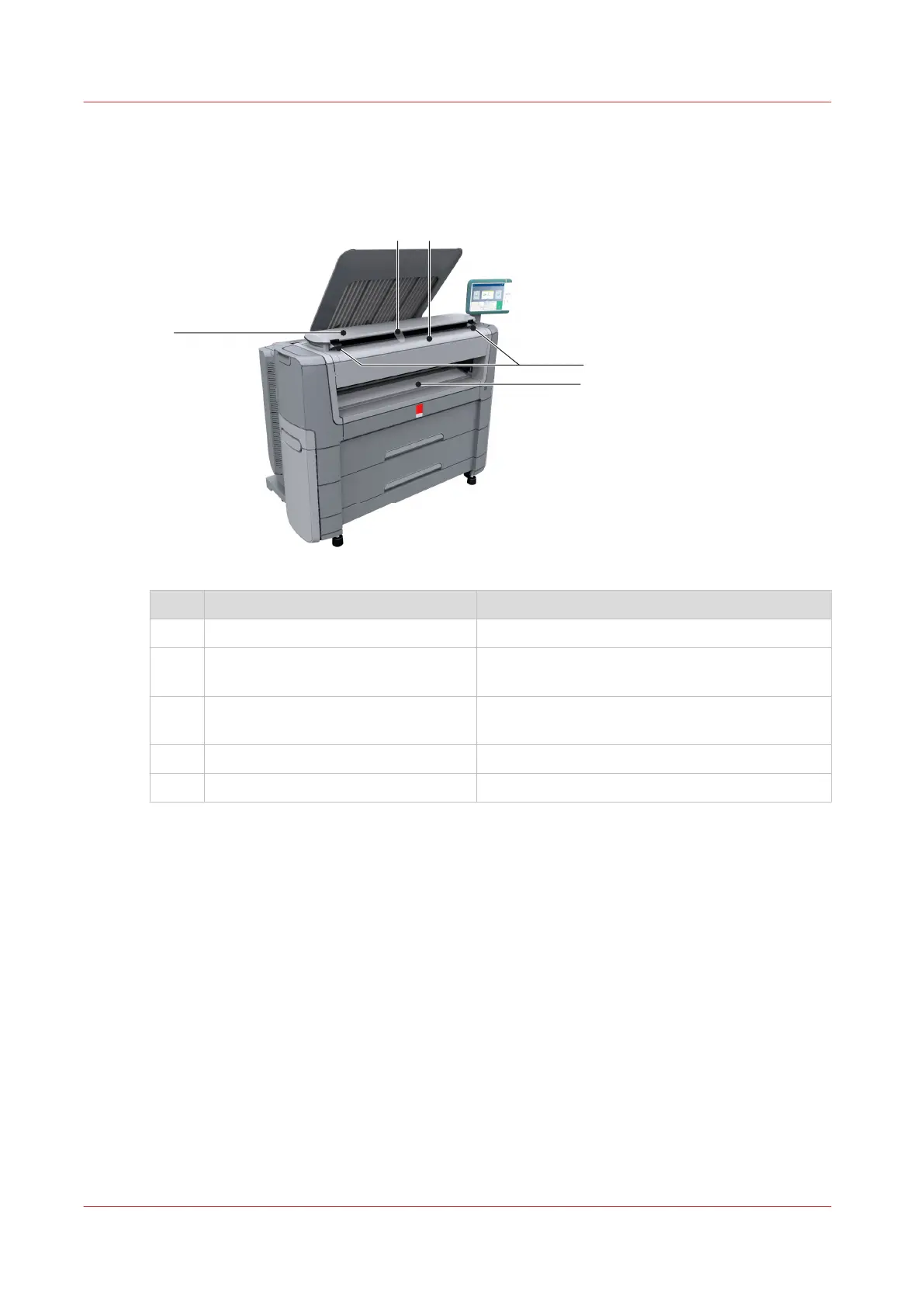
The components of the scanner (optional)
The components of the scanner (top cover closed)
Component Description/Function
1 [top cover] Closes off the scanner.
2 [output refeed protector] Prevents that your output is refed into the scan-
ner.
3 [original feeding table] Use the [original feeding table] to feed the origi-
nal into the scanner (face up).
4 [open levers] Use the [open levers] to open the top cover.
5 [originals exit] Exit for the scanned original.
The components of the scanner (optional)
30
Chapter 2 - Get to Know the Printing System










 To Next Page