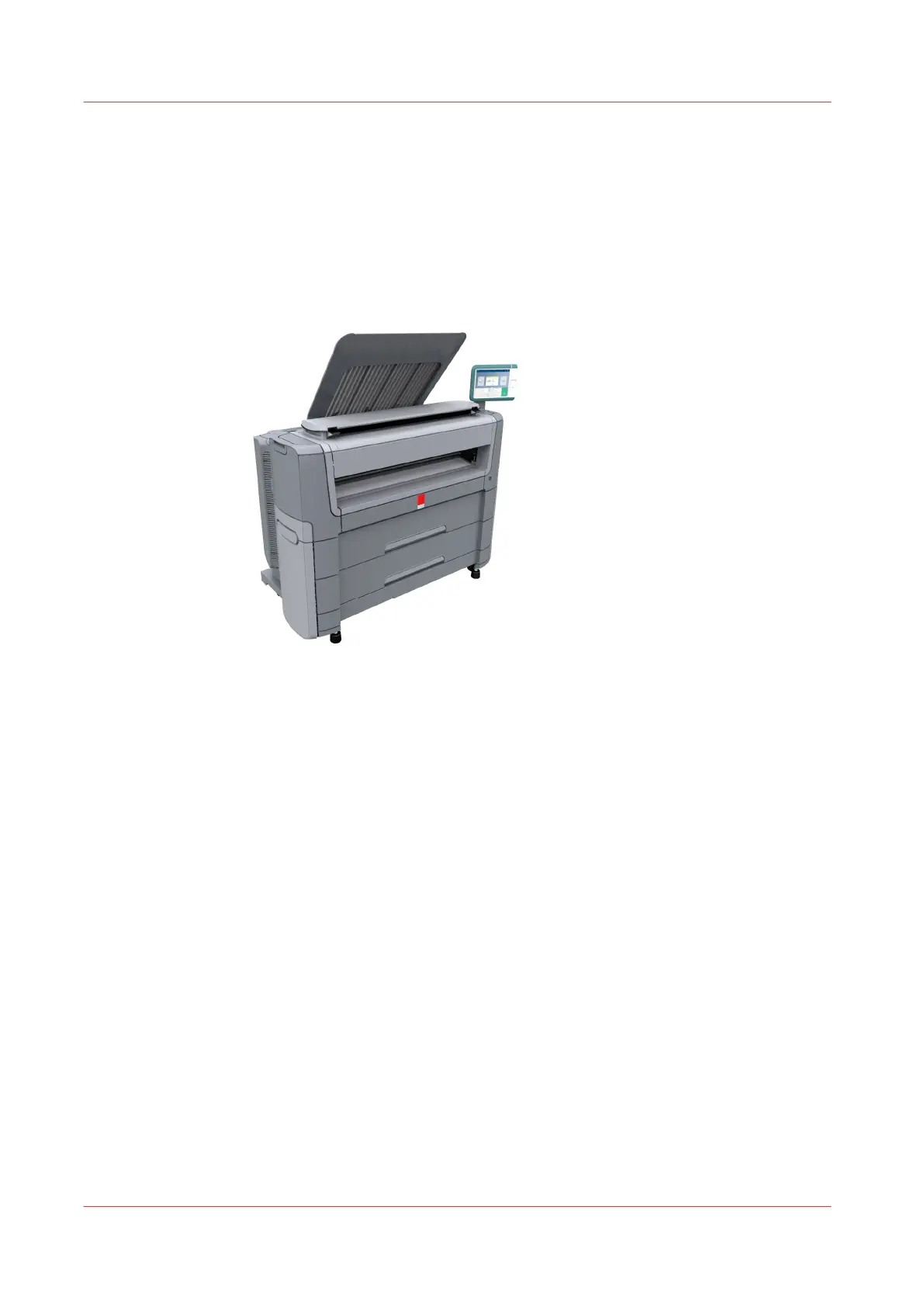
Move and re-adjust the printing system
Introduction
A user cannot move the printing system by himself. When you want to move the printing system
to a new location or you want to re-adjust the system, please contact the service.
Contact your local service representative or visit the support website
"http://www.canon.com/
support"
for more information.
Move and re-adjust the printing system
24
Chapter 2 - Get to Know the Printing System










 To Next Page