Clear a media jam in the first fold section
Procedure
1.
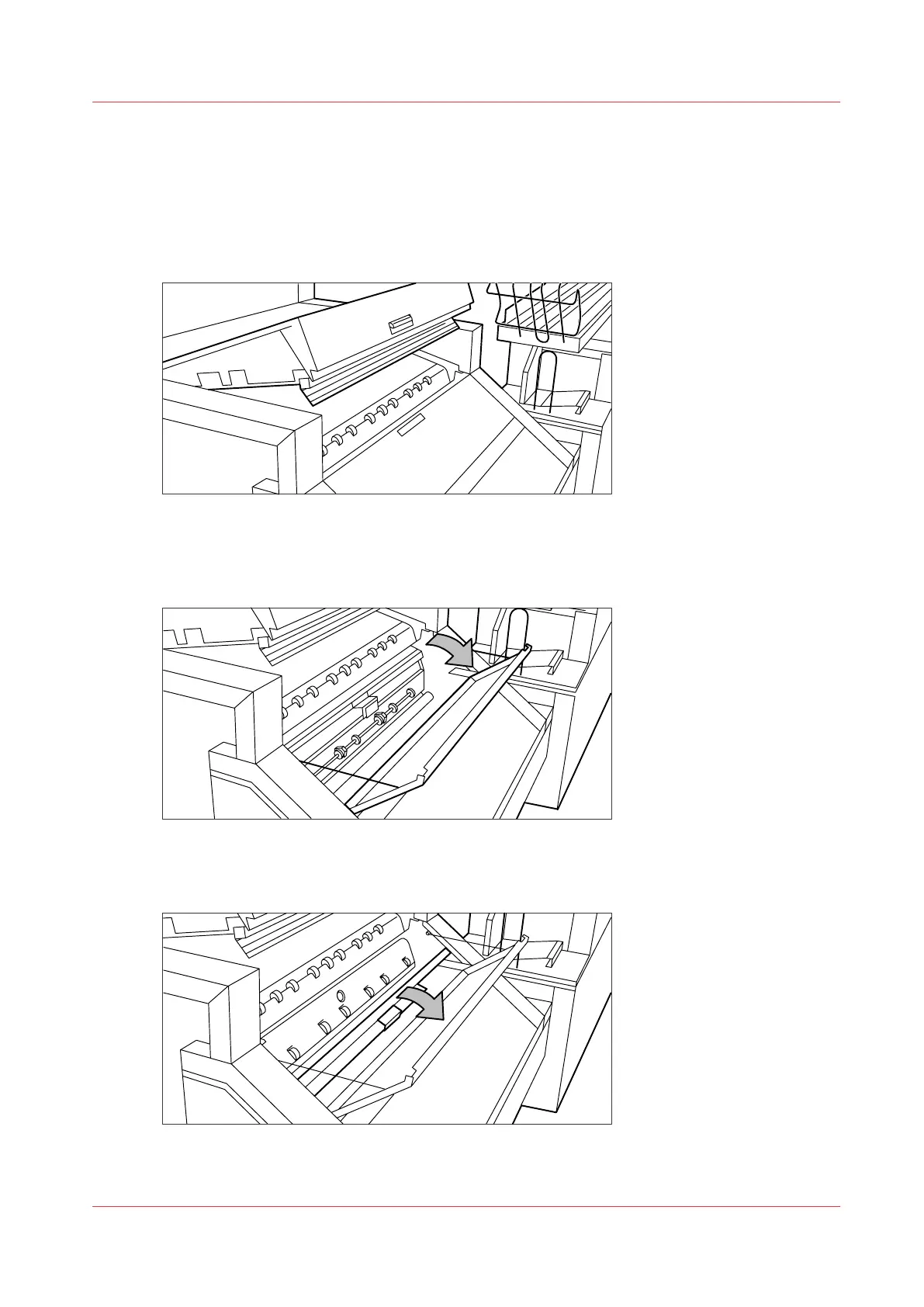
Open the top cover of the folder, by pushing the handle down.
The green light of the folder blinks rapidly.
[22] Top cover of the folder
2.
Remove any jammed printing material.
3.
Open the cover of the first fold section.
[23] Opening the first fold section
4.
Open the guide plate.
[24] Opening the guide plate
Clear a media jam in the first fold section
Chapter 9 - Solve Problems
289










 To Next Page