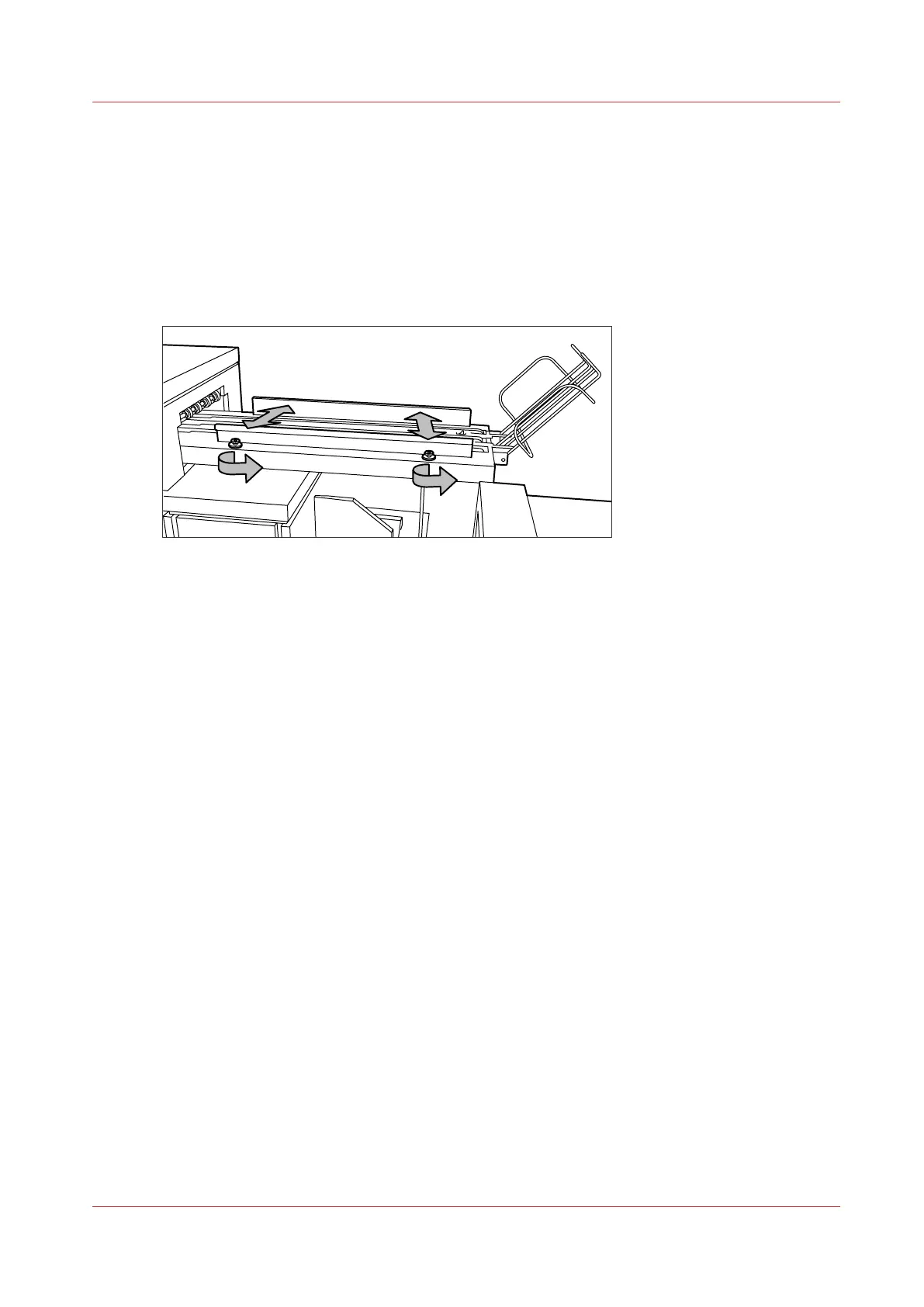
Adjust the side guides of the belt
Introduction
You can adjust the side guides of the belt, depending on the width of the folded package.
Procedure
1.
Loosen the nuts; see the illustration below.
2.
Adjust the plate based on the width of the fold package.
3.
Tighten the nuts.
Adjust the side guides of the belt
Chapter 5 - Use the Folder
225










 To Next Page