3.
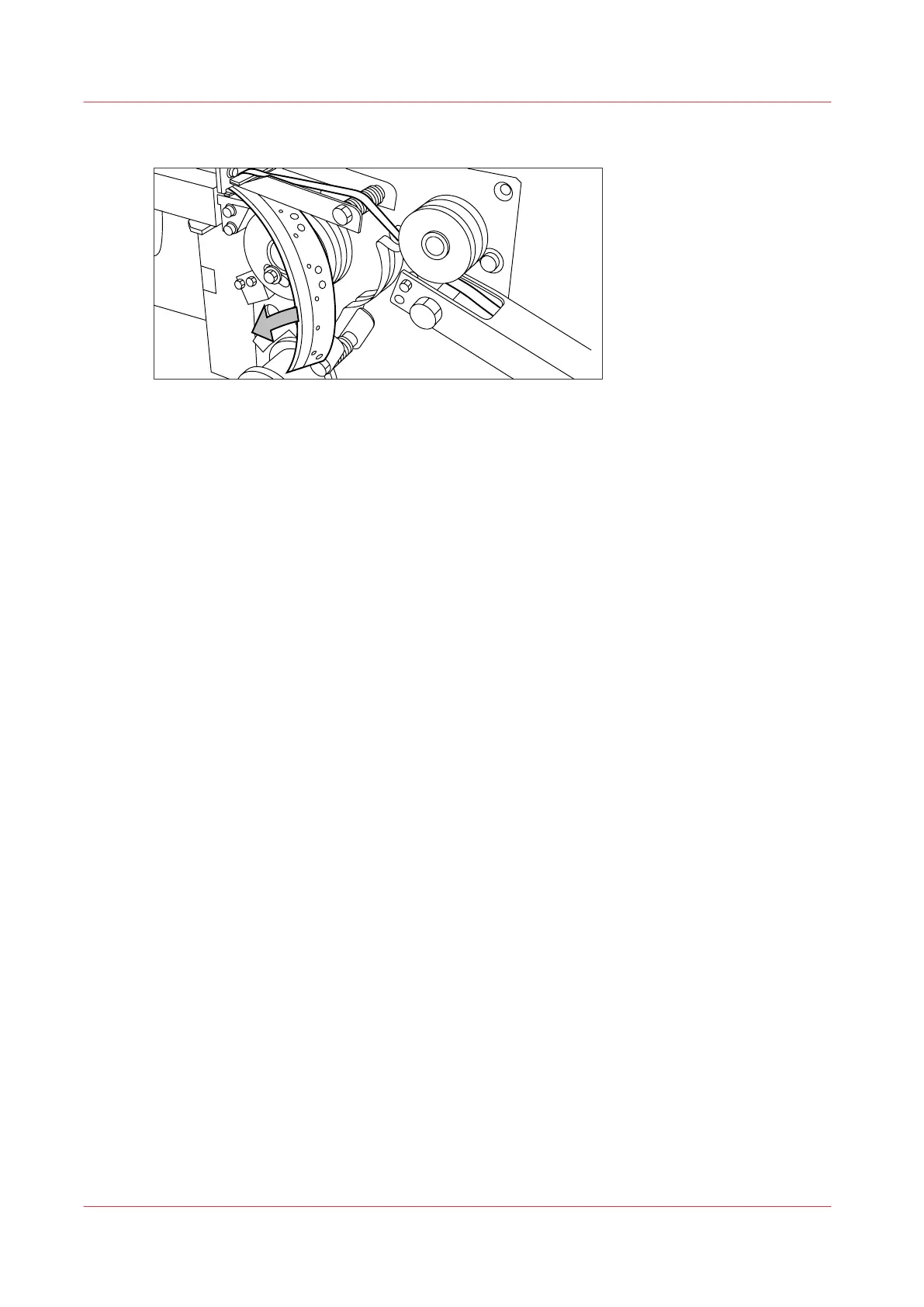
Remove the trailing strip of the old tape.
[6] Removing the trailing strip of the old tape
4.
Open the front side plate of the roll holder (remove the screw and the old kernel.)
Result
You can now insert a new tape. For more information, see
Insert a new tape roll
on page 259 .
Remove an empty tape roll
258
Chapter 6 - Maintain the Printing System










 To Next Page