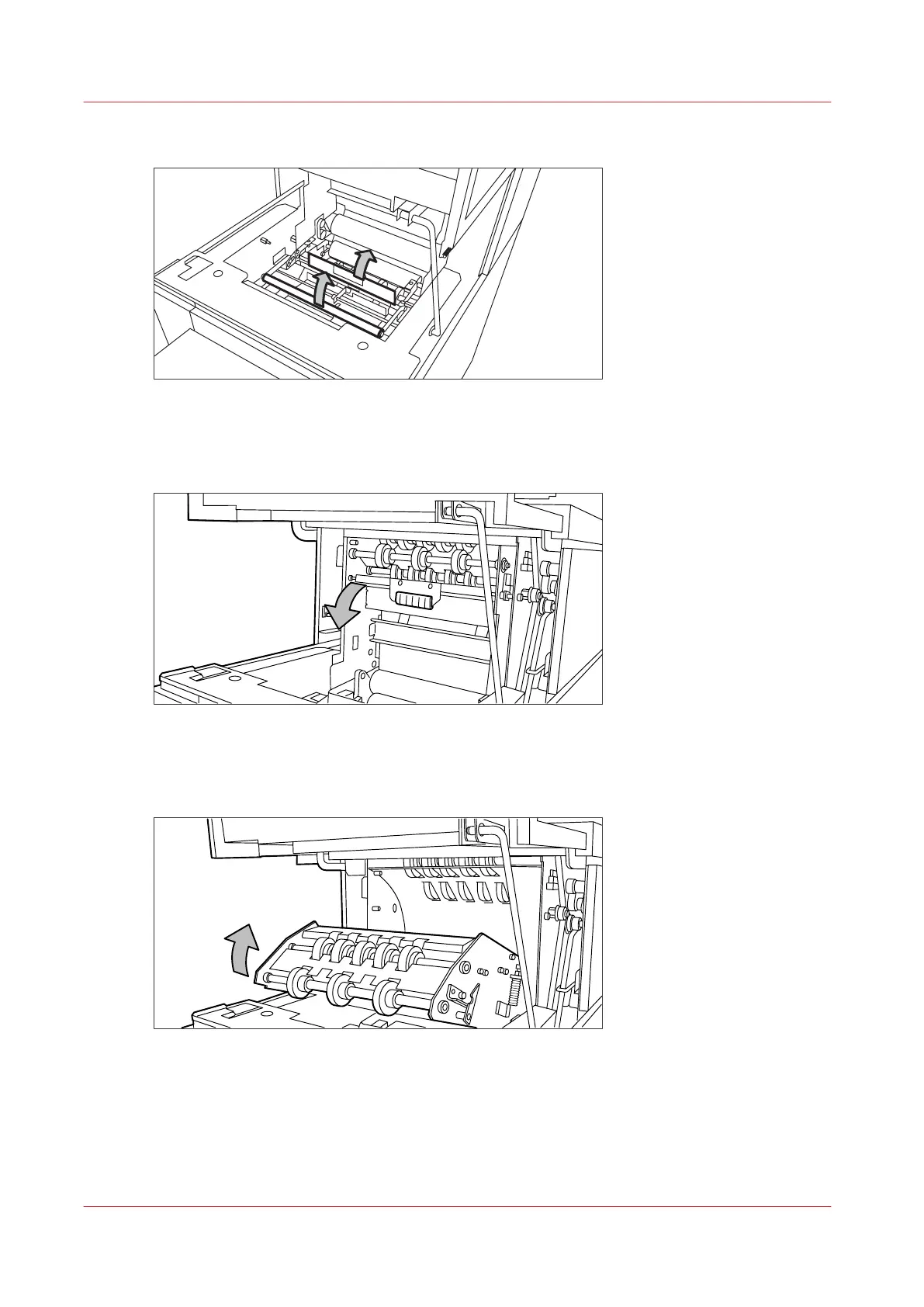
6.
Open the guide plate with the green lever.
[28] Opening the guide plate with the green lever
7.
Remove any jammed printing material.
8.
Open the vertical transport with the green lever.
[29] Opening the vertical transport
9.
Remove any jammed printing material.
10.
Close the vertical transport.
[30] Closing the vertical transport
11.
Close the guide plate.
Clear a media jam in the second fold section
292
Chapter 9 - Solve Problems










 To Next Page