2.
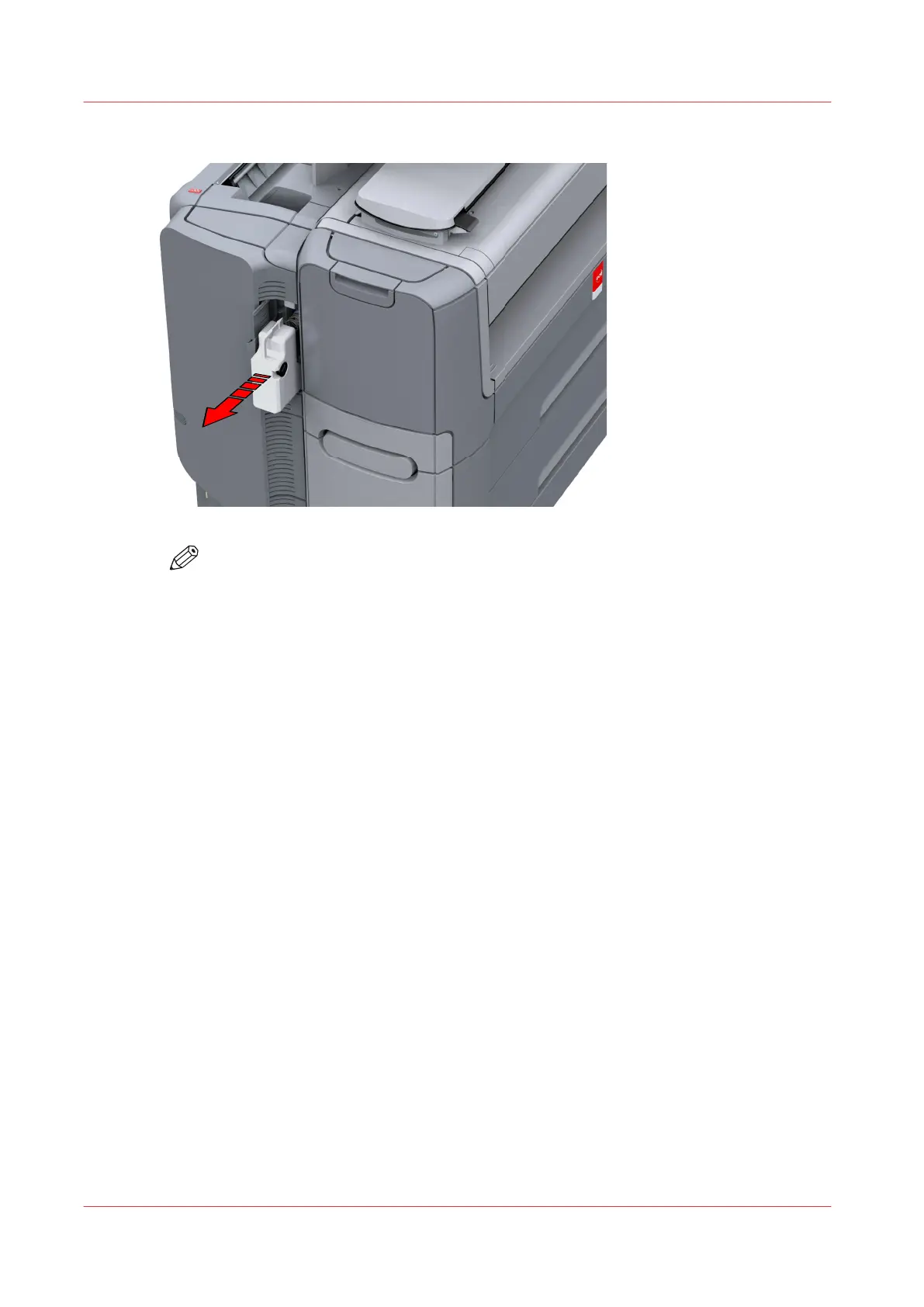
Remove the full residual toner container.
NOTE
The residual toner container can be disposed normally.
3.
Place the empty residual toner container.
4.
Close the residual toner compartment.
Replace the residual toner container
252
Chapter 6 - Maintain the Printing System










 To Next Page