IMPORTANT
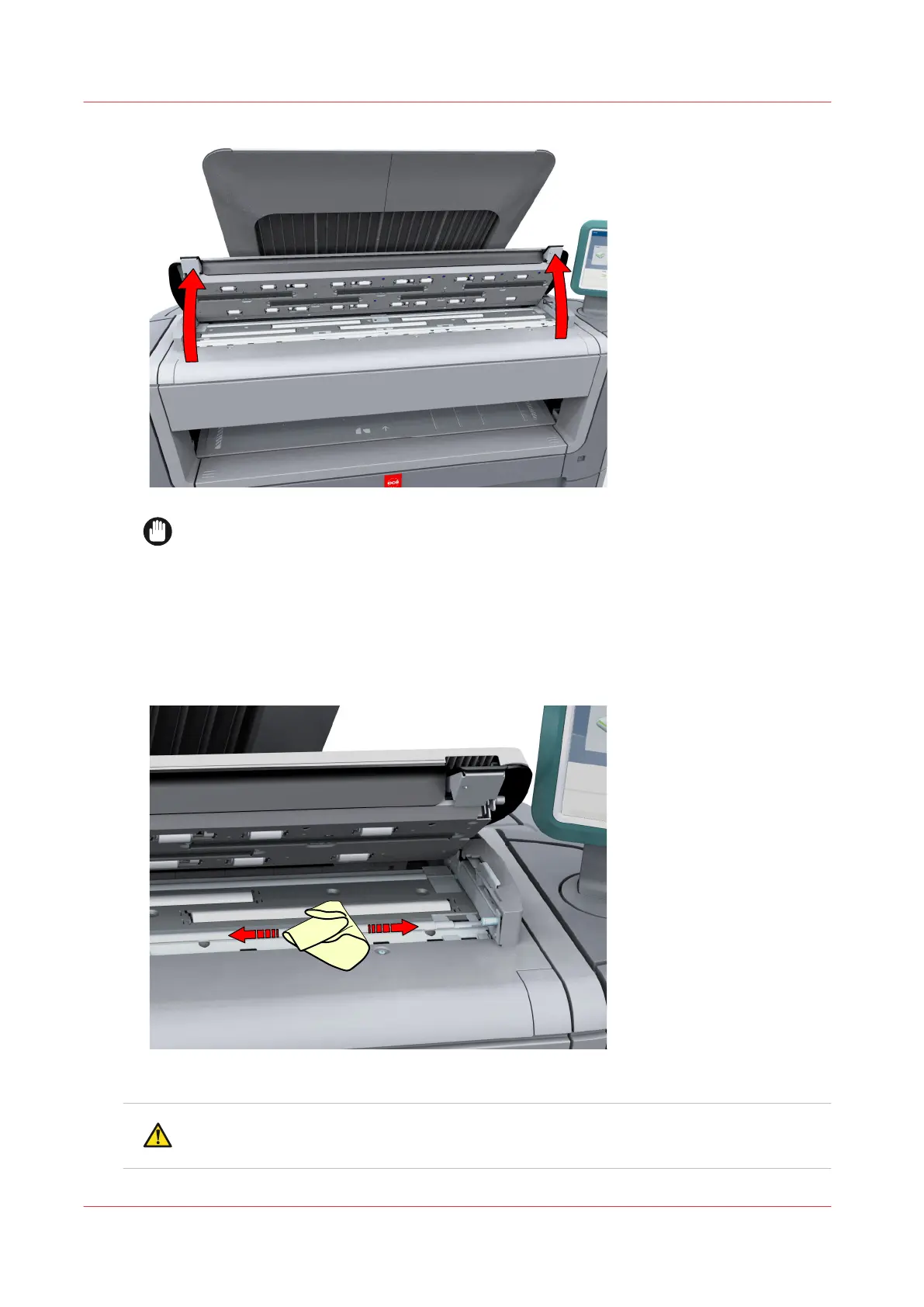
To clean the scanner, use the soft lint-free muslin towels from the scanner cleaning kit.
2.
Use a muslin towel that has been moistened with water and firmly wrung out to clean the
following parts of the scanner:
• The [original support rollers]
Rotate the rollers to clean them.
• The [transparent contact plates]
Wipe off any soiled areas.
3.
Wipe all the cleaned parts once again using a dry muslin towel.
CAUTION
Watch out, not to get your fingers caught in the scanner top cover.
Clean the scanner
254
Chapter 6 - Maintain the Printing System










 To Next Page