3.
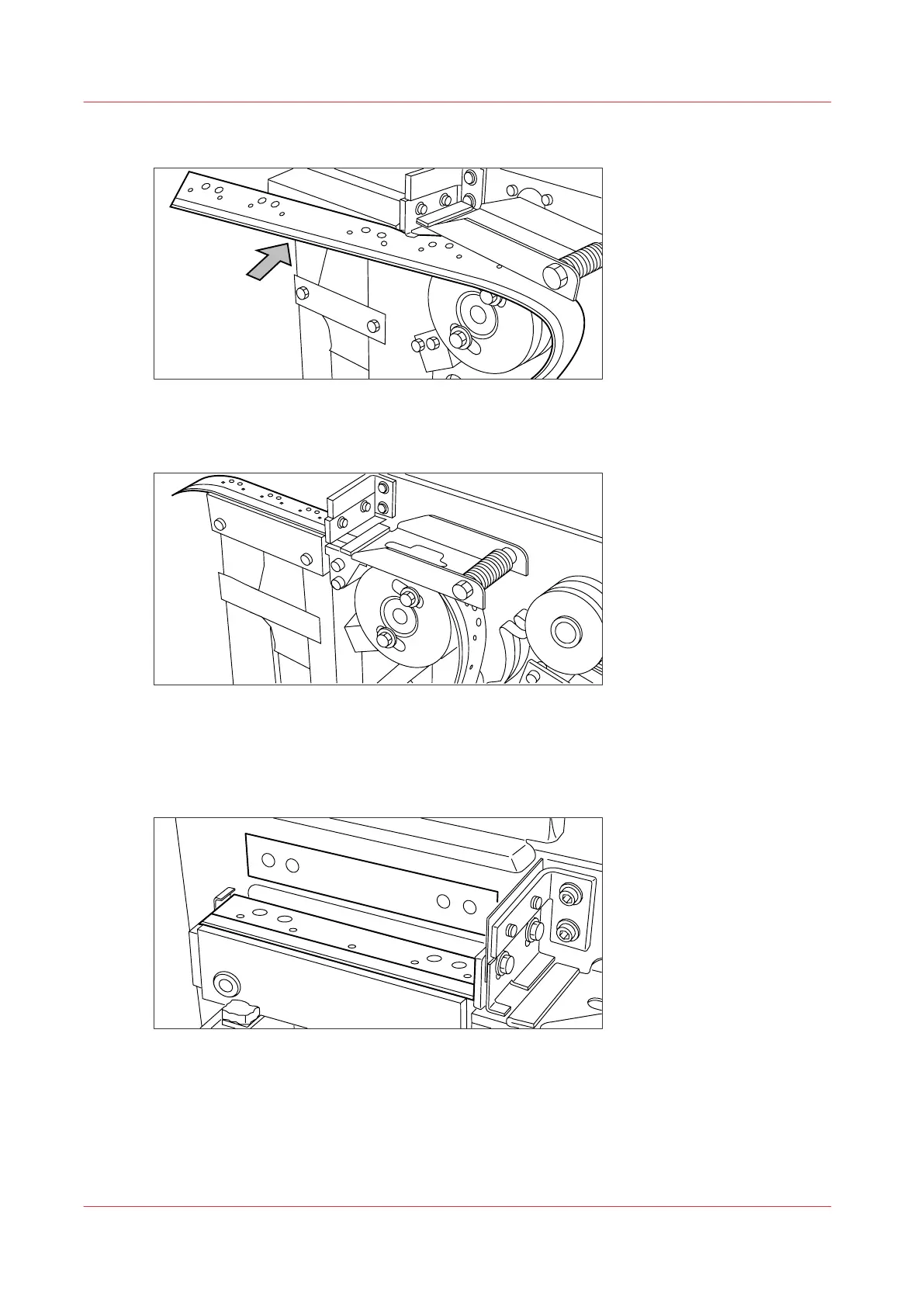
Guide the tape between the upper and lower knife and over the pin roller.
[9] Leading the tape between upper and lower knife
4.
Make sure that at least 200 mm (2 strip lengths) of tape protrudes out of the knife section.
[10] Protruding tape
5.
Align the holes in the tape with the hole pattern on the label. (You can find the label on the frame
plate of the reinforcement unit.) Lift the tape from the pin roller and push the tape between the
two knives until the holes are aligned.
[11] Adjusting the holes on the tape
Insert a new tape roll
260
Chapter 6 - Maintain the Printing System










 To Next Page