4.
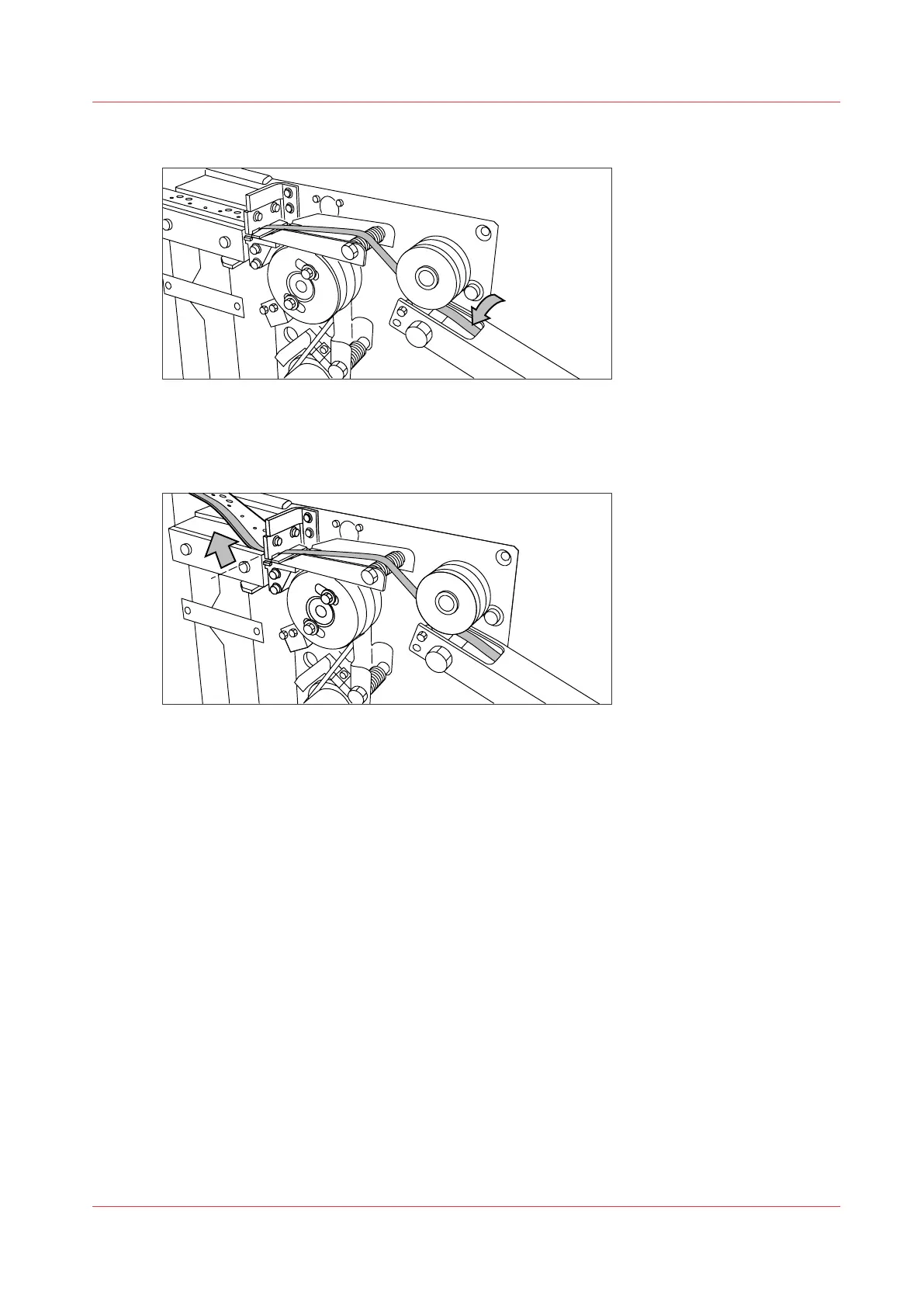
Insert the strip of the tape into the closed section of the slide.
[16] Inserting the tape into the closed section of the slide.
5.
Hold the upper guide plate down and cut the tape at the knife section. (Quickly pull the strip up so
that the upper knife cuts the tape.)
[17] Cutting the tape at the knife section
6.
Close the side door of the reinforcement unit.
Prepare the tape roll for operation
Chapter 6 - Maintain the Printing System
263










 To Next Page