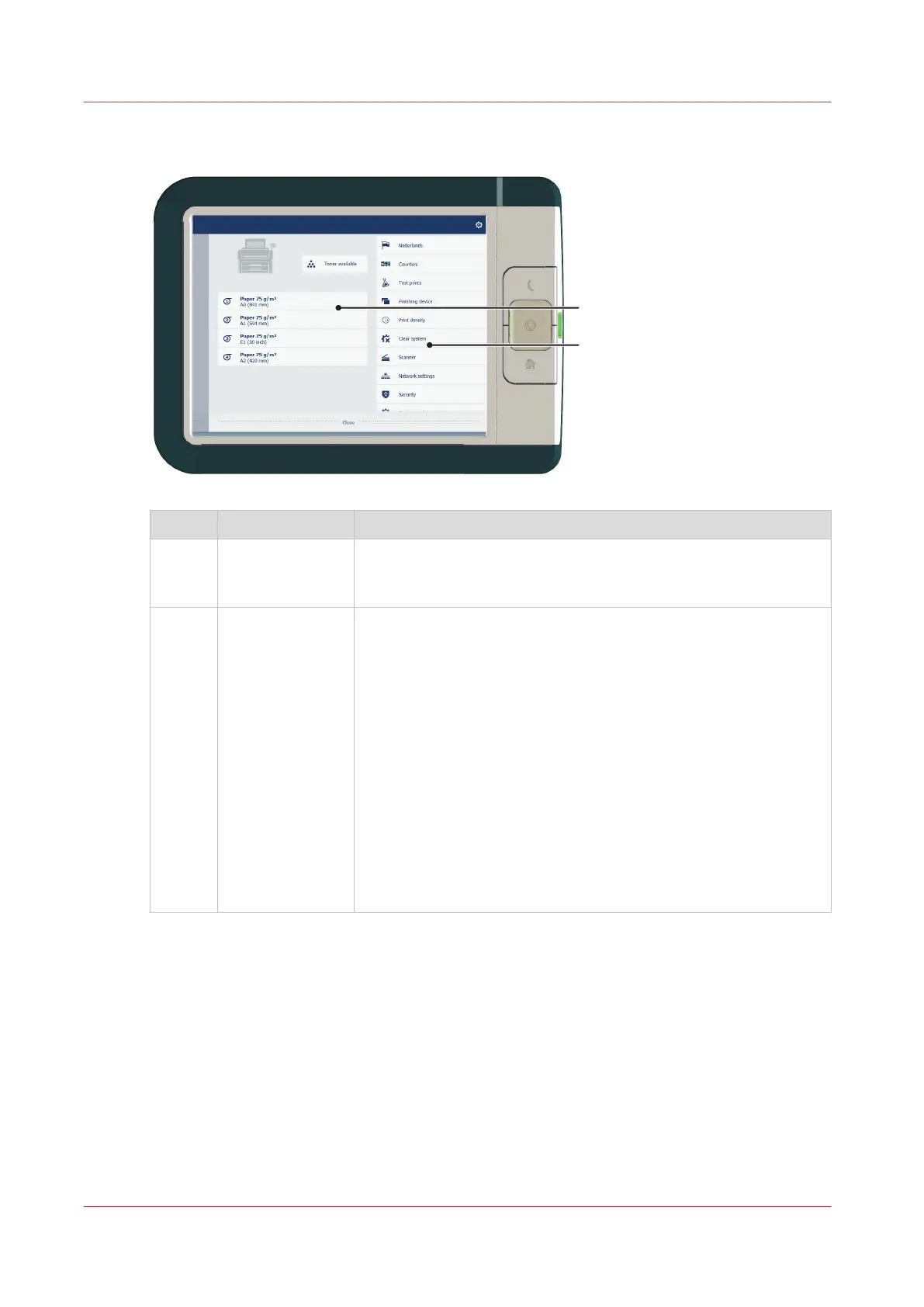
System menu
No. Component Function
1. Printing system
and media
• The loaded media in the printer is displayed.
• Tap the drawer to change the media settings.
• Wizards appear, to help you change media or refill toner.
2. [setup menu] The [setup menu] gives general information on the printer. In the
list you can get access to:
• Switch between first and second language
• [Counters]
• [Test prints]
• [Finishing device]
• [Print density]
• [Clear system]
• [Scanner]
• [Network settings]
• [Security]
• [System update]
• [About]
• [Offline folding] (when the integrated folder is installed)
• [Clean the knife] (when the integrated folder is installed)
The job queue and the system menu
38
Chapter 2 - Get to Know the Printing System










 To Next Page