EasyManua.ls Logo

Canon PR-C151 - Page 36

Canon PR-C151
64 pages
Print Icon
To Next Page IconTo Next Page
To Previous Page IconTo Previous Page
Loading...
- 31 -
Return to Parent
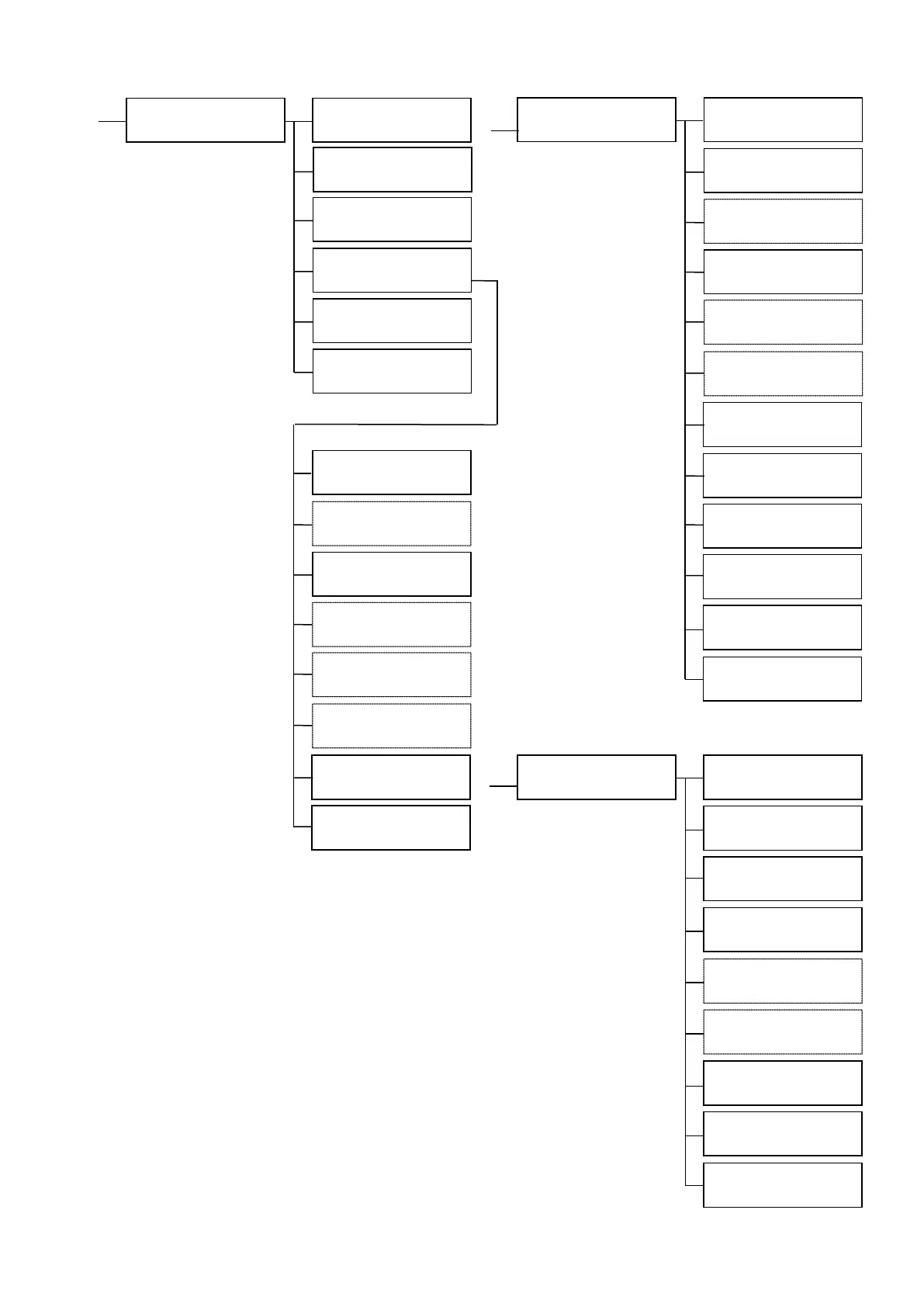
Menu (EXE)
Interface Setup
CLR+EXE:submenu
Interface Setup
Push MENU Key
DHCP
□□
IP Address
□□
Subnet Mask
□□
Default Gateway
□□
IP Sec
□□
Timeout
□□
Printer ID
□□
Password Reset
CLR+EXE:reset
Return to normal
Mode (EXE)
MAC Address
□□
Printer Status
CLR+EXE:submenu
Printer Status
Push MENU Key
Parallel Print
□□
(on)
Card Eject Face
□□
(Print Face Up)
Option Setup
EXE:submenu
Return to normal
Mode (EXE)
Return to Parent
Menu (EXE)
F/W Version
Push MENU Key
Base Program
○○
Main Program
○○
Head Number
○○
Encoder Unit
H.Roller Unit
Serial Number
○○
Return to normal
Mode (EXE)
Return to Parent
Menu (EXE)
F/W Version
EXE: sub menu
Option Setup
Push MENU Key
Encoder Type
□□
Encode First
□□
Encode Mode
□□
Multi Card Print
□□
Return to normal
Mode (EXE)
Return to Parent
Menu (EXE)
(Lo-Co)
(off)
(A(MG:Bk/IC:--))
(off)
IC-R/W Connect
□□

Table of Contents

Related product manuals