- 50 -
Trouble shooting
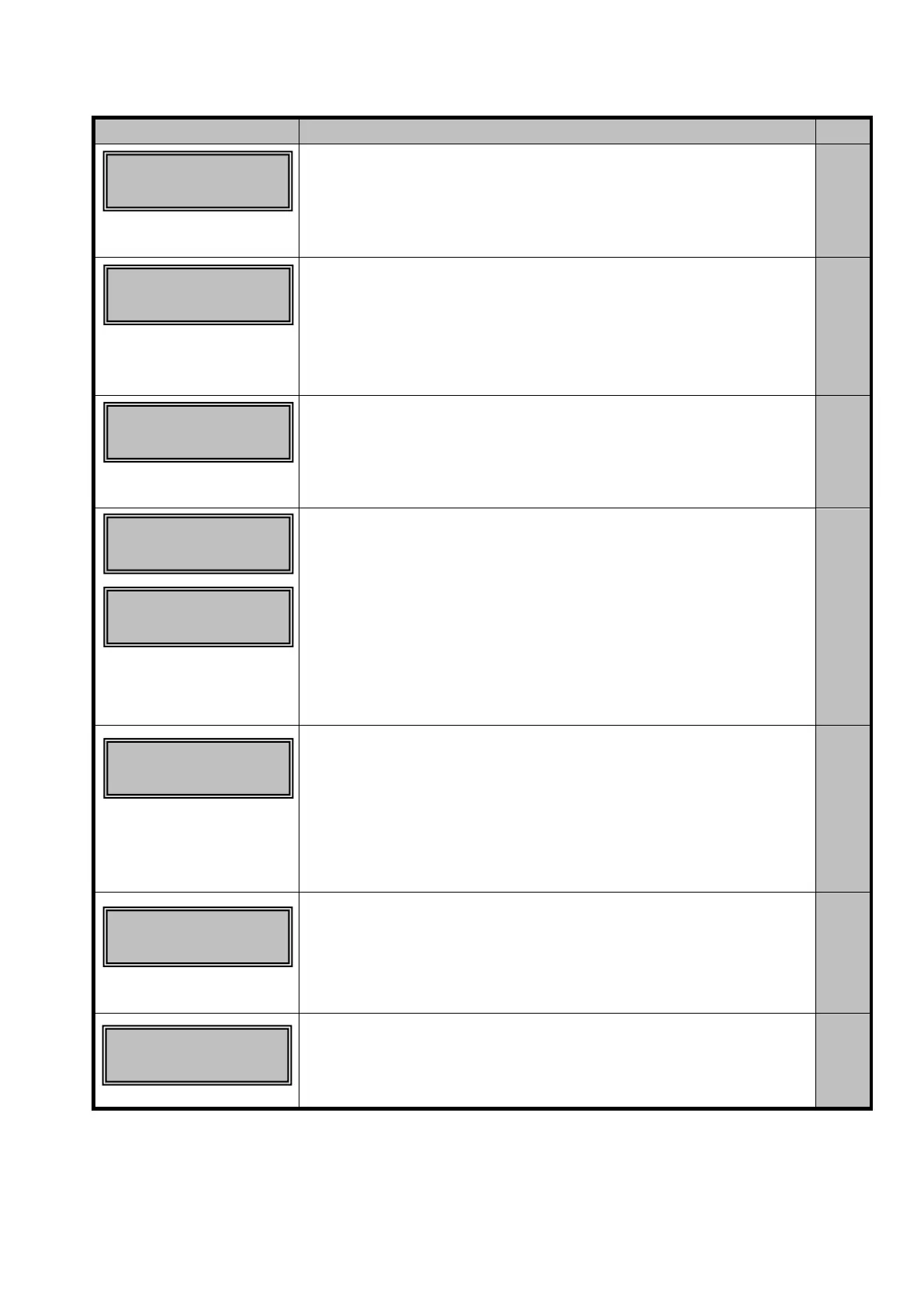
□ Card is empty
◆ Card is empty.
→ Supply cards.
P.32
□ Front Access cover
is open
◆ Front Cover is not closed correctly.
→ Close the cover positively.
-
□ Top cover is open
◆ Top Cover is not closed correctly.
→ Close the cover positively.
-
□Some error occurred
during Mag. encoding
◆ The card is set incorrectly (wrong side up, right side left)
→ Set the card correctly
◆ There is scratch or stain on the magnetic stripe.
→ Replace with other card.
◆ Mismatching of the magnetic characteristics
→ Check the setting of type on the encoder.
→ Check if the type of the card being used is correct.
P.32
-
-
□ Temperature of the print
head or inside of the
equipment is out of range.
◆ Temperature around equipment is out of range.
→ Make sure of ambient temperature is in the range of what is mentioned in Section 3
P.18
◆ This message is shown when the Clear key is pressed without
taking out the ribbon cartridge when the ink ribbon related errors
→ Pull out the cartridge and check the ribbon, then release the error
and press the Clear key.
P.34
◆
The ink ribbon is finished
→ Replace with the fresh ink ribbon.
P.34
Card Empty
○○-○○
Front Cover is
Open
○○-○○
Top Cover is
Open
○○-○○
Encode Write
Error ○○-○○
Temperature out
of Range ○○-○○
Check Ink Ribbon
○○-○○
Ribbon Empty
○○-○○
Encode Read
Error ○○-○○









 To Next Page