- 22 -
3 - e) Power ON
□ The electrical rating of power for this printer is alternate power
(AC100V-240V .50 Hz or 60Hz).
□ Earth must be securely connected for this printer.
□ The maximum power consumption of this printer is 120W. Avoid power failure
or voltage drop as much as possible.
□ When the power is turned OFF, wait for at least
3 sec. before turning ON again.
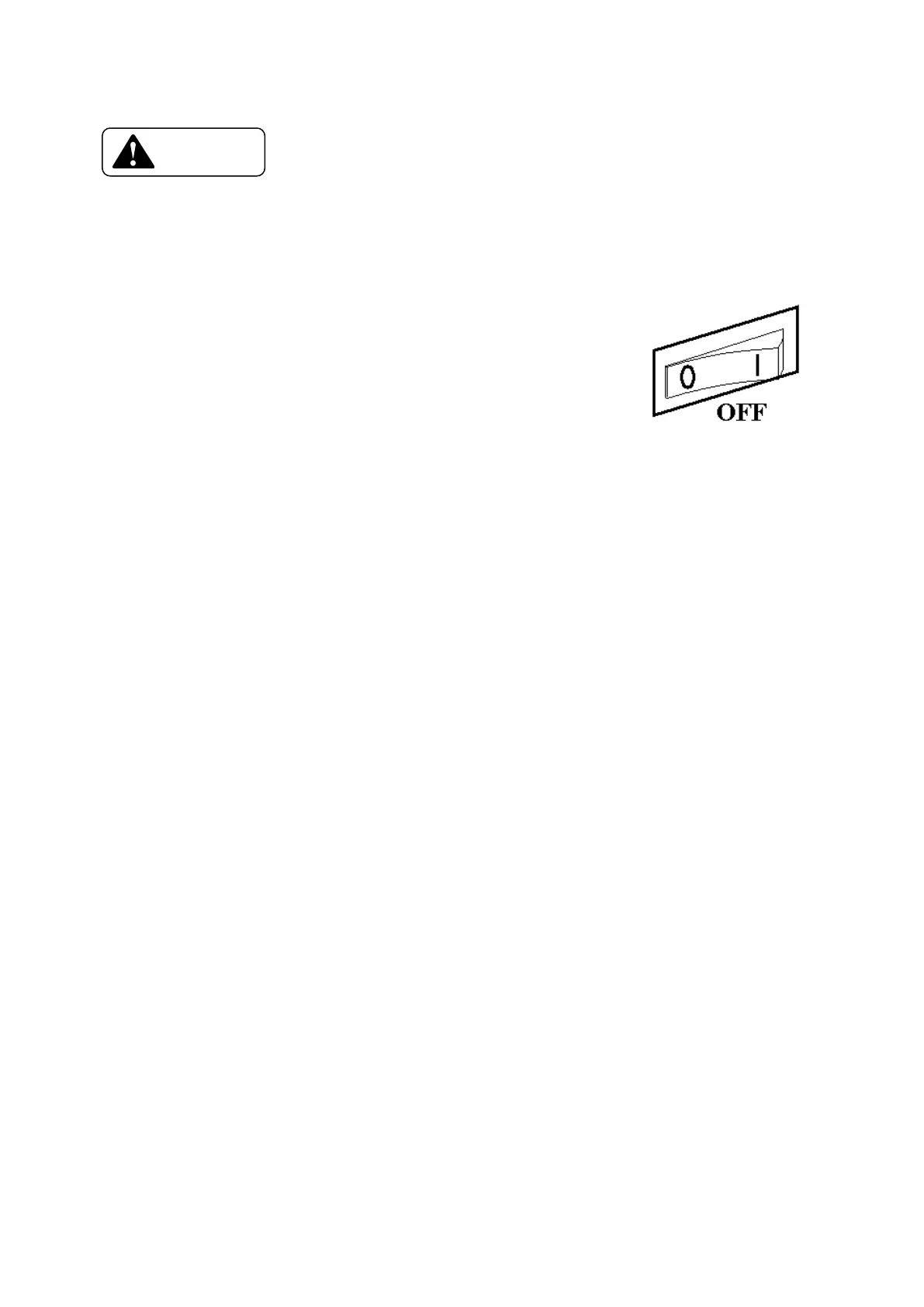
◆ Check that the power switch is "OFF" (◯) before
connecting the power cord to the outlet.
3 - f) Settings after the Power ON
◆ Set the Card and Ink Ribbon.
→ 5-a) Setting the Cards
→ 5-b) Setting the ink ribbon
◆ Set the Operation Panel following the system instructions
→ 4-d) [Setting the system environment] in the paragraph of
[Function of User Mode]









 To Next Page