3-21
Performing Operations and Settings as the Administrator
VB-C500 Viewer
Operating the External Device Output
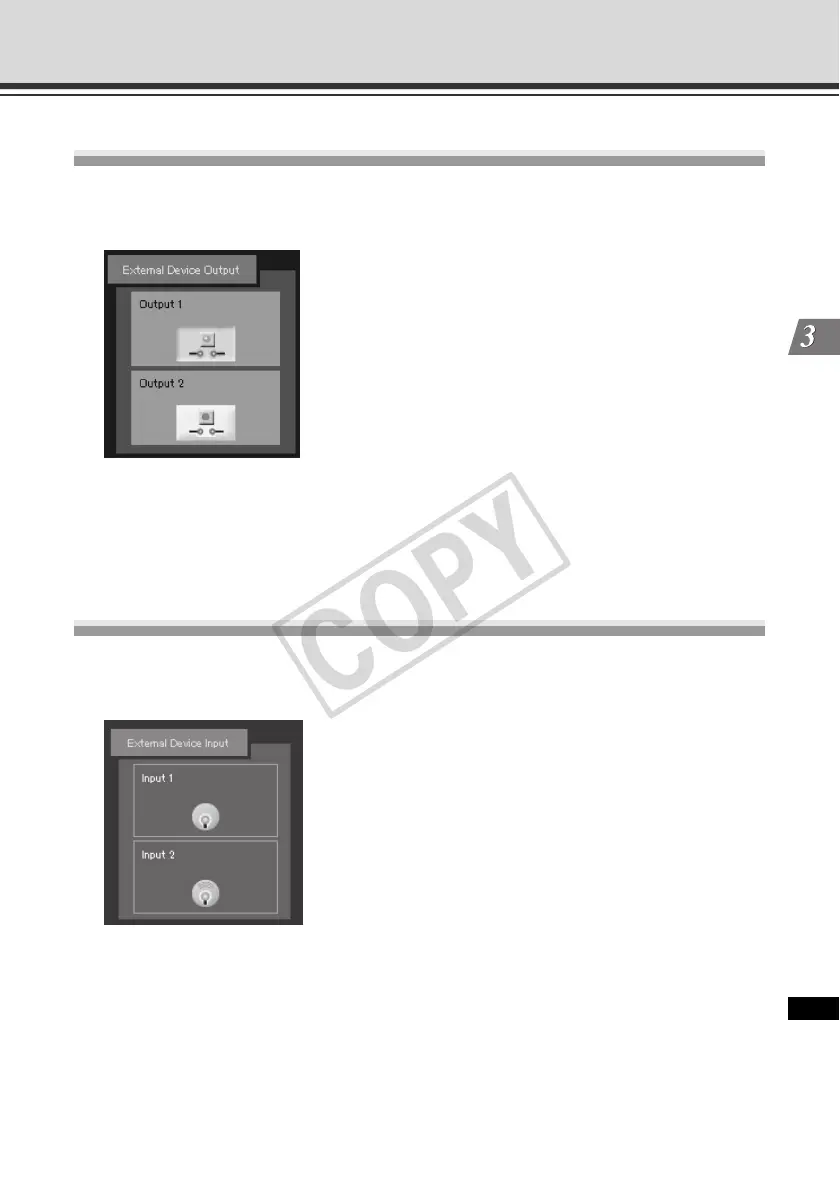
You can operate the external device output and display the current output status using an icon.
The [ON]/[OFF] status can be switched by clicking this icon.
Example:
Top: Output OFF
Bottom: Output ON
Displaying the External Device Input Status
You can check the status of external device input and display it using an icon. When the external
device receives a contact input signal, the input will turn ON and an applicable icon will appear.
Example:
Top: Input OFF
Bottom: Input ON



 To Next Page