3-15
How to Operate VB-C500 Viewer
VB-C500 Viewer
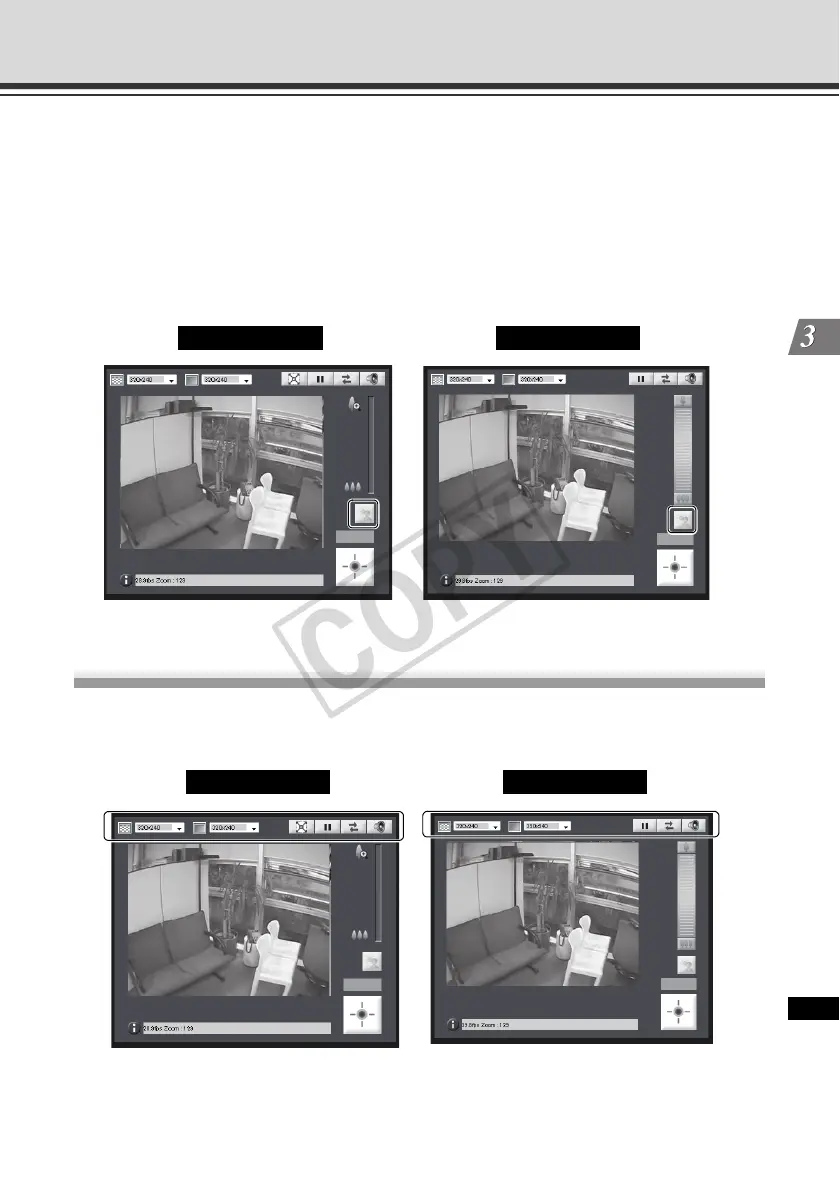
Compensating Backlight
This control is effective when the image is dark due to backlight.
How to Operate
Clicking [Backlight Compensation] brightens the image that was previously dark due to
backlight.
Clicking the button again cancels backlight compensation.
Setting Video and Audio
You can change the video capture size, change the video display screen, show video in the full-
screen mode, pause video, reconnect the camera and set audio reception.
Admin Viewer VB Viewer
Admin Viewer VB Viewer



 To Next Page