3-18
How to Operate VB-C500 Viewer
Receiving Audio
You can receive audio through the microphone attached to the camera.
Click this button to receive audio.
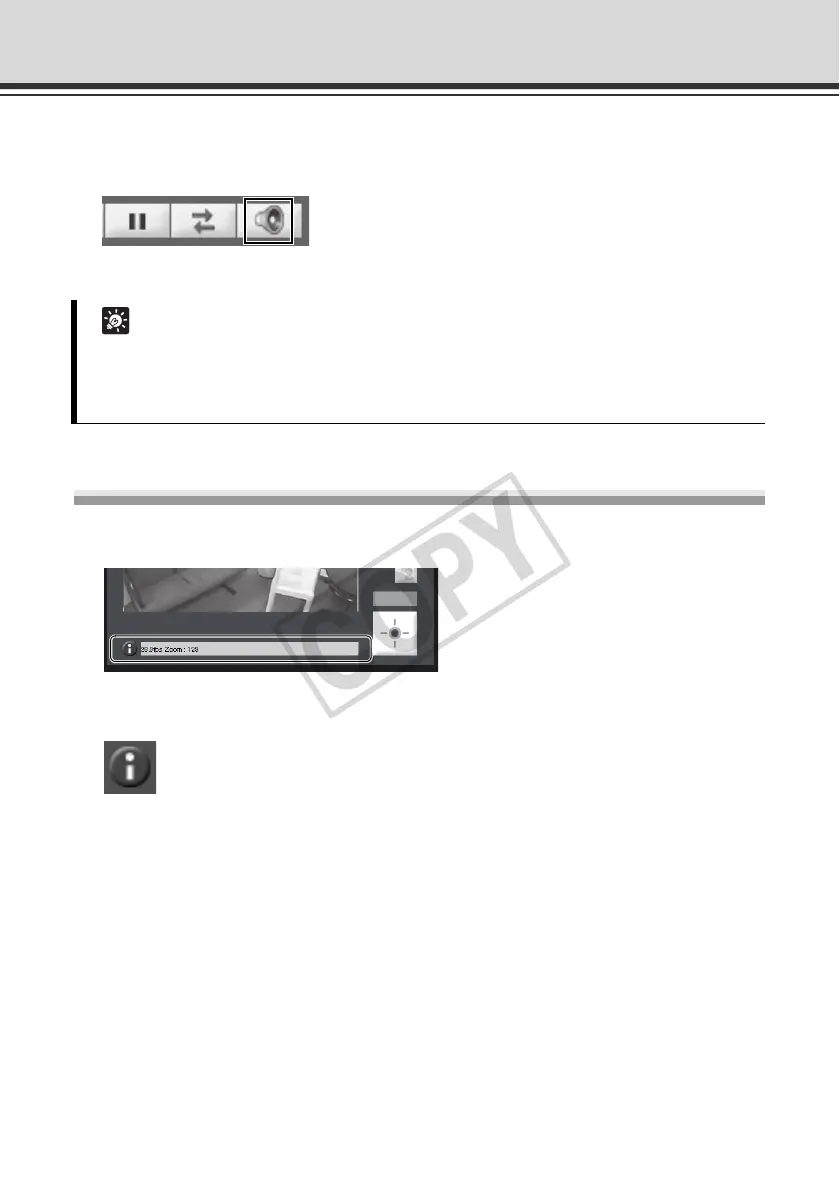
Displaying Information
Viewer information, warning messages, etc., are shown.
Information Message
An information message is indicated by a blue icon.
An information message appears when a camera operation has been successful.
Help messages on various buttons, pull-down lists, etc., and zoom, frame rate and other
information from the camera are shown.
Tip
z To receive audio, set [Enable] for [Audio Transmission from the Camera] under [Audio
Server] of [Server] on the setting page beforehand ( P. 1-29).
z Audio cannot be received if you are using a proxy server.



 To Next Page