3-27
Performing Operations and Settings as the Administrator
VB-C500 Viewer
Setting the Smart Shade Control
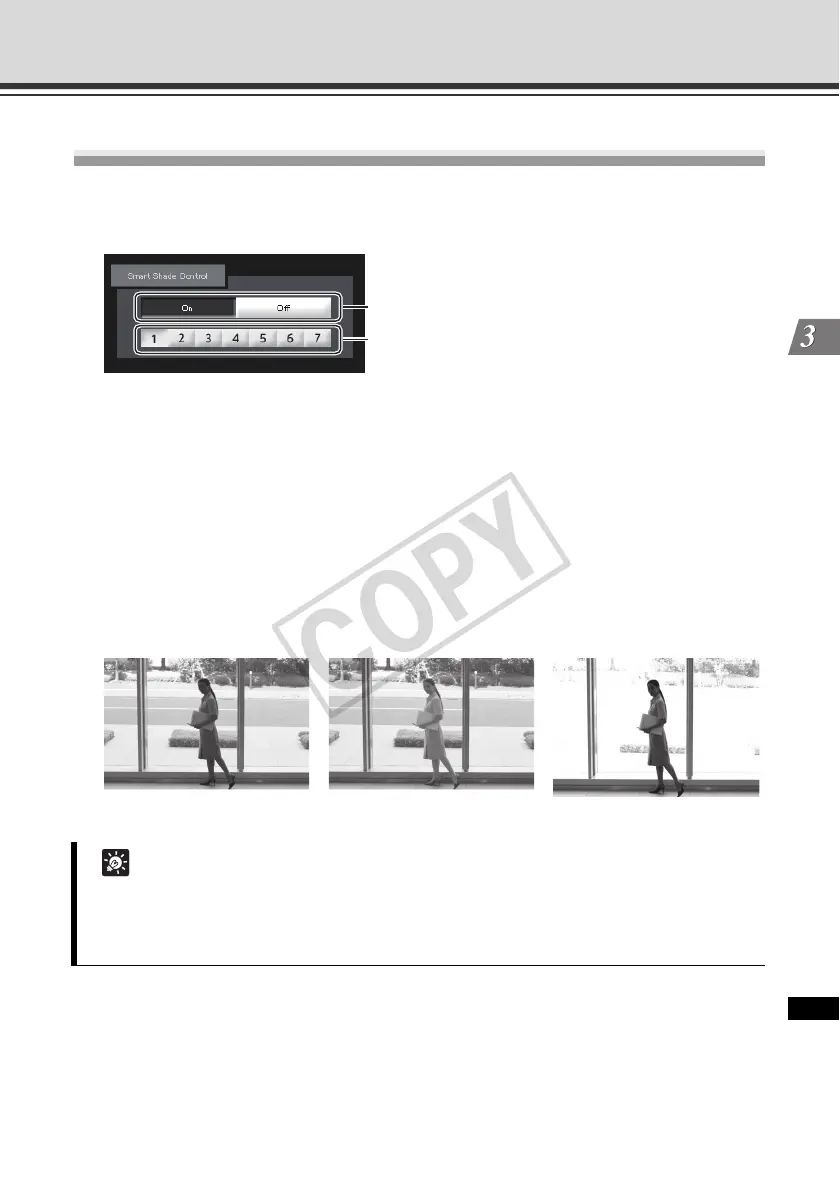
Smart Shade Control is a function that, unlike the Backlight Compensation, brightens only dark
areas while keeping bright areas intact.
(1) Smart Shade Control
Set [OFF] or [ON].
(2) Adjusting the Smart Shade Control
When [On] is selected for Smart Shade Control, set one of seven control levels from [1]
(weak) to [7] (strong).
Example) If the background is bright and the subject is hard to see, this function
brightens dark areas to make the subject clearer.
Compared to Backlight Compensation, Smart Shade Control can reduce
blown-out of bright areas.
Tip
z When [On] is selected for Smart Shade Control, the video file size increases.
z When [On] is selected for Smart Shade Control, screen noises may increase.
If noises are noticeable, lower the control level.
(1)
(2)
OFF Smart Shade Control Backlight Compensation



 To Next Page