1-14
Setting the Camera Control and External Device
Name (Camera)
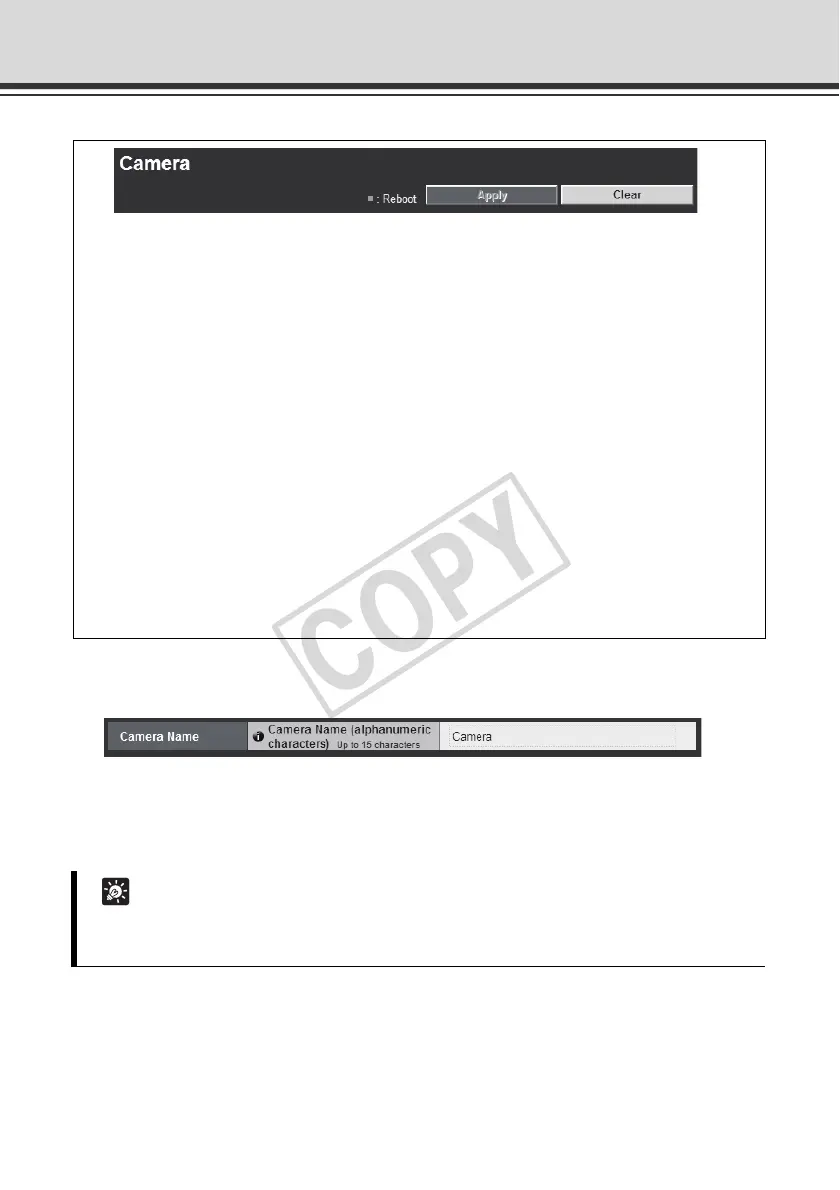
Camera Name
[Camera Name]
Be sure to enter the camera name using up to 15 ASCII characters (space or printable
characters).
You can set the following items.
z Camera Name
Enter the name of the camera. The camera name is require if VK-64, etc.,
is used with the camera.
z Initial Camera Settings
Set the AF Mode, Slow Shutter and Shutter Speed.
z Camera Control
Set the digital zoom.
z Day/Night
Set the Day/Night switching mode.
z Installation Conditions
Set the image flip.
z External Device Name
Set the external input device name and external output device name.
Tip
If you are using an optional recording software (VK-64/VK-16 or bundled VK-Lite), the camera
name set here will be shown when the camera is registered.



 To Next Page