2-2
Overview of VBAdmin Tools
VBAdmin Tools consists of multiple applications for [Motion Detection Setting Tool], [Log Viewer]
and [Admin Viewer]. You can remotely set the camera, view privileged images, check the
operating condition, acquire logs, and perform other operations with ease.
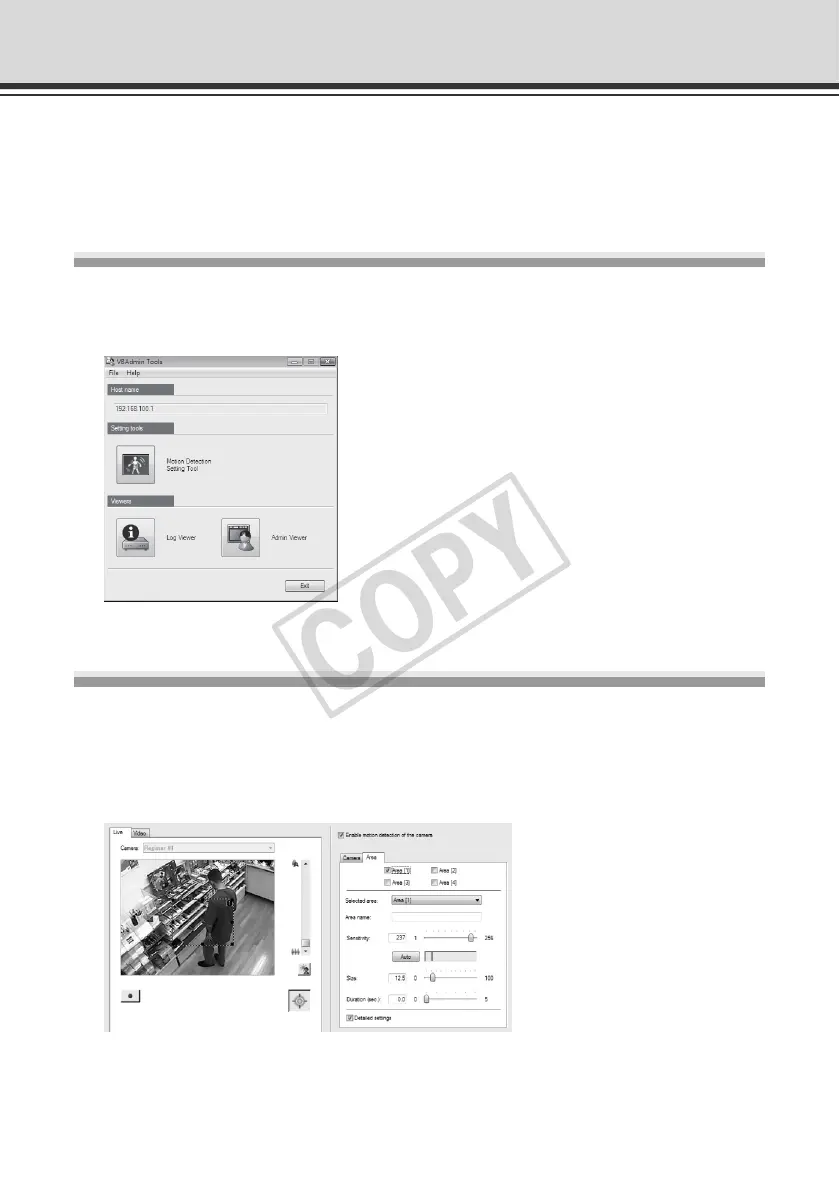
VBAdmin Tools (P. 2-4)
This is the main panel for VBAdmin Tools. You can start each tool from this panel. First, install
VBAdmin Tools. See "Install the Necessary Software" ( Start Guide).
Motion Detection Setting Tool (P. 2-7)
This tool is used to set the motion detection function that performs upload, notifies the viewer,
records a log, etc., if a change has occurred in the captured image due to movement of a
subject. You can set the position and size of the motion detection area, detection judgment
conditions, etc., while checking the image on the camera.



 To Next Page