4-11
Creating Web Pages for Video Distribution
Distributing Video Using a Browser Only
You can provide video from the VB-C500VD/VB-C500D directly to a browser using the WebView-
HTTP protocol. Examples are explained below.
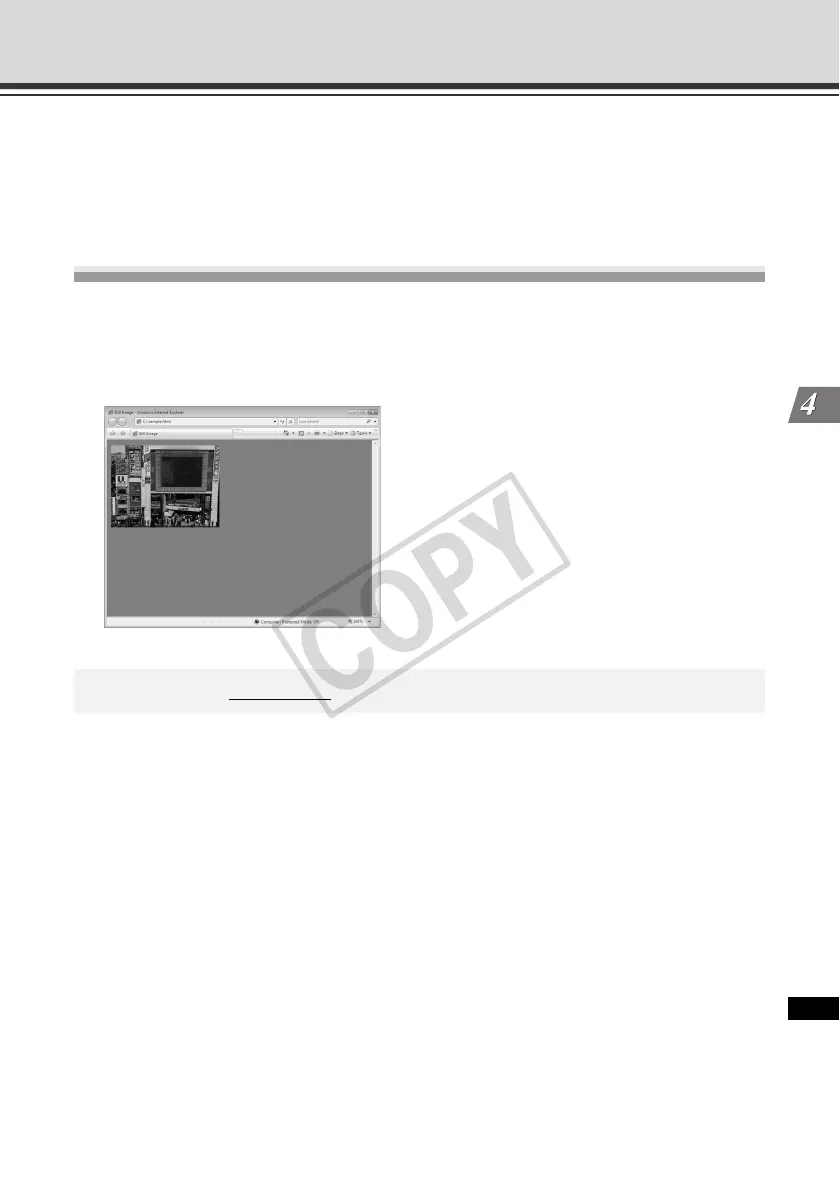
Displaying Live Video at the Time of Access as a
Still Image
You can provide as a still image the video captured by the camera the moment the client
accesses your Web page.
See the applicable sample page for a specific example.
* The underlined portion is an example of IP address. In reality, the customer must enter the
IP address set for the camera ( P. 1-8).
<IMG SRC=http://192.168.100.1/-wvhttp-01-/GetOneShot>



 To Next Page