2-18
Log Viewer
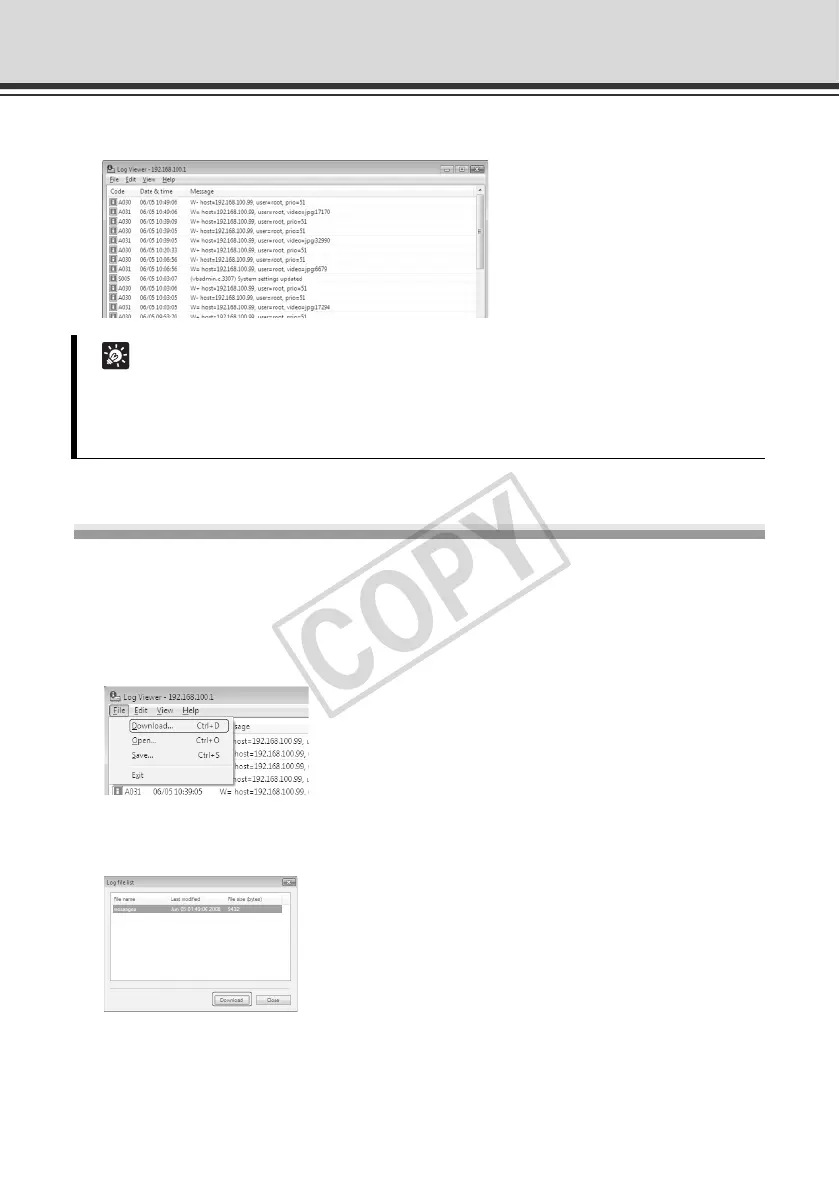
This viewer lets you view the operating condition log of the camera.
Downloading Log Files
How to Download
Launch Log Viewer from VBAdmin Tools, and the latest log files will be downloaded and
displayed automatically. To download a new log file list, select [Download] from [File] in the menu
bar.
When the list has been downloaded, a dialog box showing the log file list opens. Select the log
file you want to view and click [Download], and the selected log file will be downloaded.
Tip
z Log Viewer only has a log viewing function and logs cannot be deleted.
z Logs are saved by selecting [Save] from [File] in the menu bar. Logs can be saved in the
text format.



 To Next Page