2-19
Log Viewer
VBAdmin Tools
Viewing Logs
The log contains the following information.
z Code
The log code is shown. For the log code, see "List of Log Messages" ( P. 5-7).
The log code is shown together with one of three icons corresponding to the applicable level.
If the log has no log code, no icon is shown.
z Date and Time
The date and time at which the log was generated is shown.
z Message
A message regarding the log is shown.
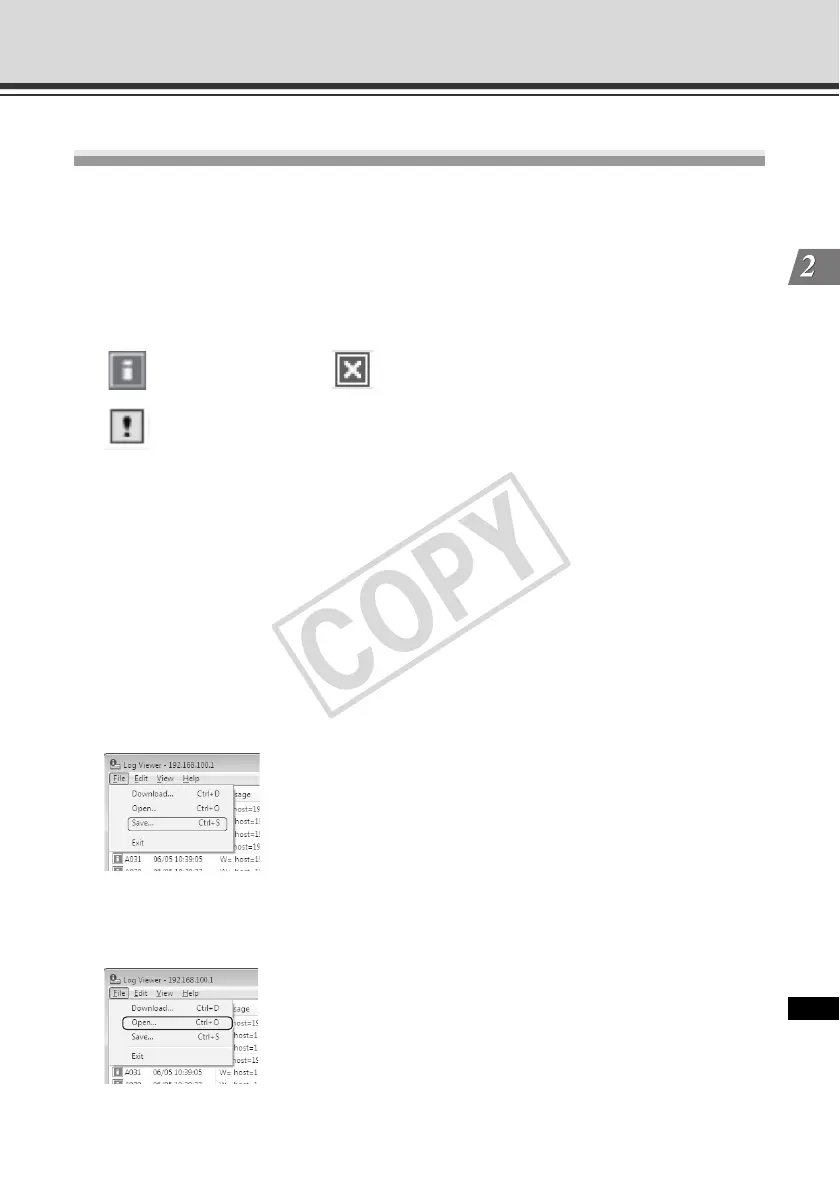
Saving a Log to a File/Opening a Saved Log
You can save the displayed log to a file or view a log file saved before.
How to Save
Select [Save] from [File] in the menu bar.
How to View
Select [Open] from [File] in the menu bar and then select the log file you want to view.
Information level
Warning level
Error level



 To Next Page