xi
Top Page of the Camera
(3) Sample Page Link
Click this link to display sample pages of the camera.
(4) VB-C500 Viewer Launch Link
Clicking this link launches VB-C500 Viewer that displays the video captured with the camera
in the web browser.
VB-C500 Viewer consists of two viewers: [Admin Viewer] and [VB Viewer] ( P. 3-2).
z Explanation of each link
[Admin Viewer]
Launches Admin Viewer.
[VB Viewer]
Launches VB Viewer.
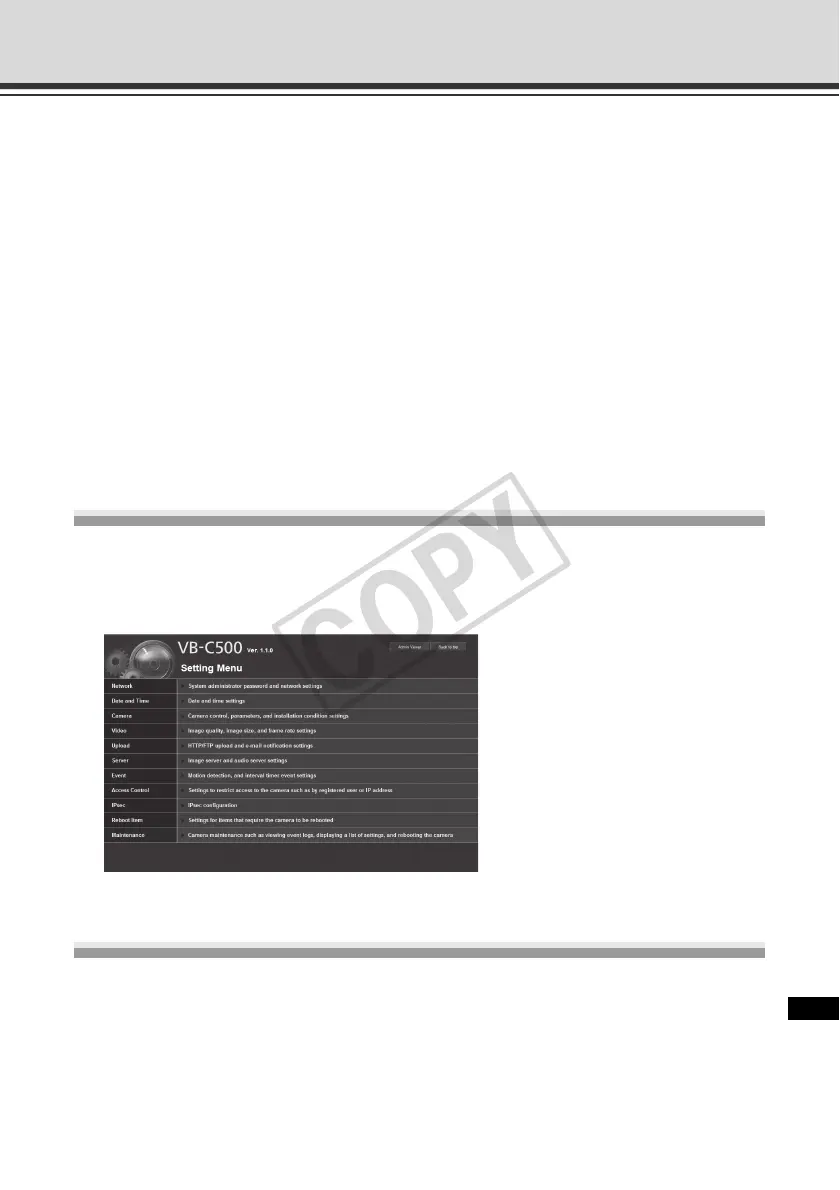
Accessing the Setting Menu
To specify detailed settings of the VB-C500VD/VB-C500D, click (2) to proceed to the Setting
Menu. For details on the Setting Menu, see "Detailed Settings" in "Chapter 1 Setting Menu"
( P. 1-2).
Accessing Sample Pages
To access a sample page, click (3).
One of three sample pages, each showing a still image, video or image for mobile phone,
can be displayed.



 To Next Page