1-12
Setting the Date and Time (Date and Time)
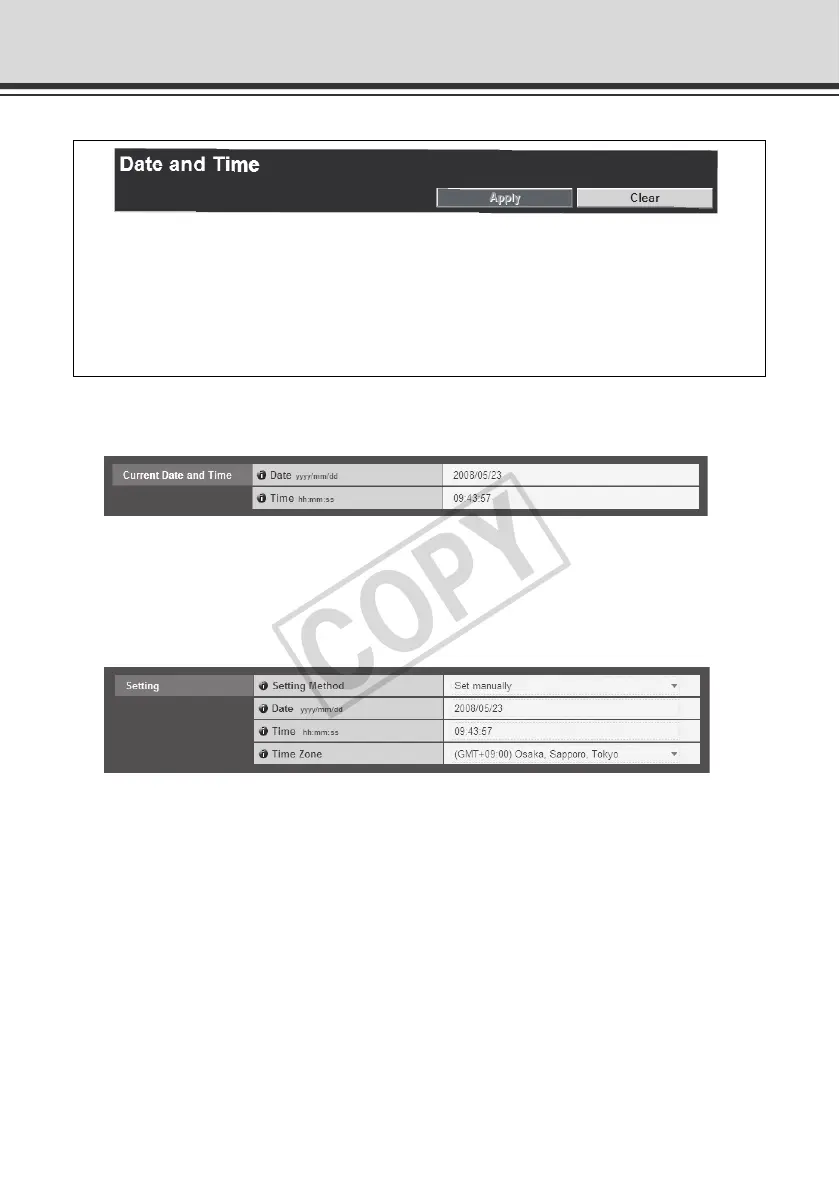
Current Date and Time
[Date], [Time]
The date and time currently set in the camera is shown.
Setting
(1) [Setting Method]
Select [Set manually], [Synchronize with NTP server], [Synchronize with NTP broadcast] or
[Synchronize with computer time].
(2) [Date], [Time]
Set the following items according to the selection for [Setting Method] made in (1).
[Set manually]
You can set a desired date and time. Enter the date in the order of <year/month/day> and
time in the order of <hours:minutes:second> in the 24-hour format. (Two digits each for
month, day, and hour.)
You can set the following items.
z Current Date and Time
The date and time set in the camera is shown.
z Setting
Select the date & time setting method and time zone for this camera.



 To Next Page