3-7
Launching VB-C500 Viewer
VB-C500 Viewer
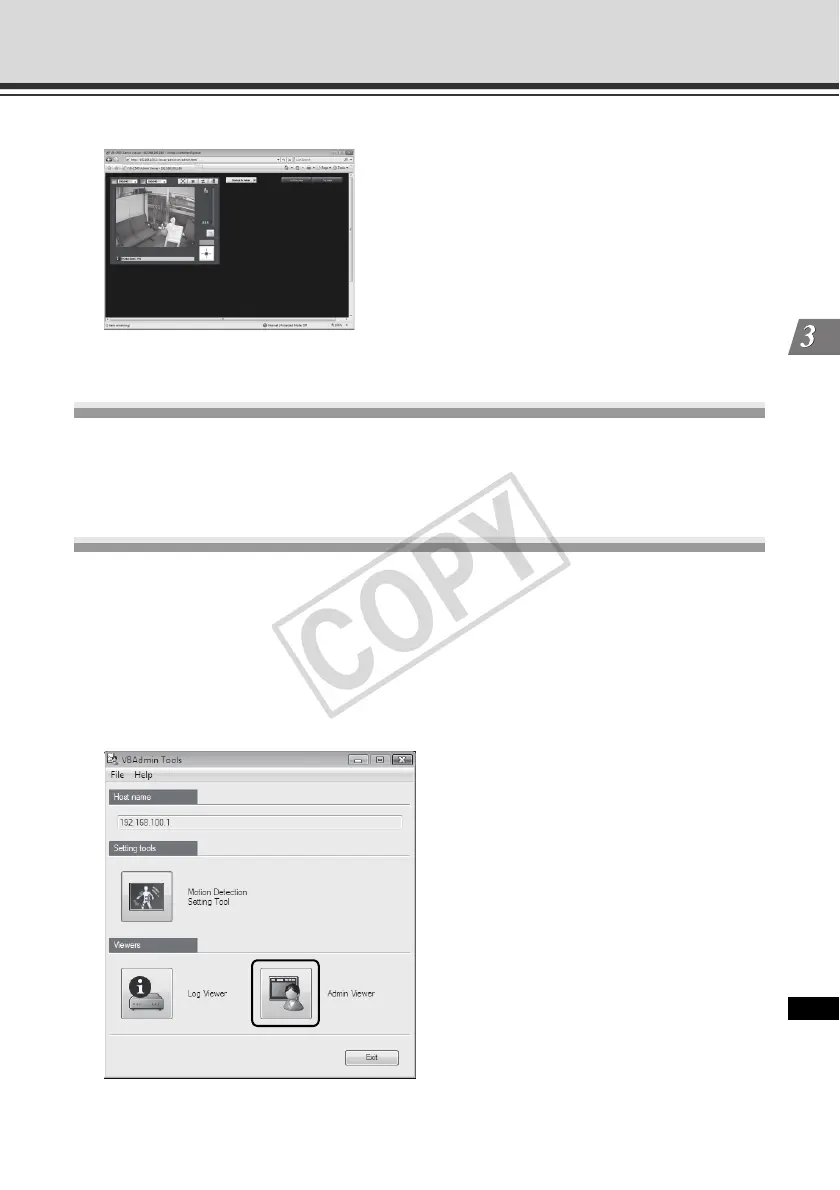
4. VB-C500 Viewer launches.
Shutting Down VB-C500 Viewer
How to Shut Down
Close the web browser in the viewer to shut down.
Connecting from VBAdmin Tools
Only the Administrator can connect to this viewer.
How to Launch
1. Launch VBAdmin Tools.
For information on how to launch VBAdmin Tools, see "Launching VBAdmin Tools" ( P. 2-4)
in "Chapter 2 VBAdmin Tools".
2. Click [Admin Viewer].



 To Next Page