3-6
Launching VB-C500 Viewer
Launching VB-C500 Viewer
The various settings of VB-C500 Viewer are specified by accessing the camera via a web
browser. First, access the Settings title page.
How to Launch
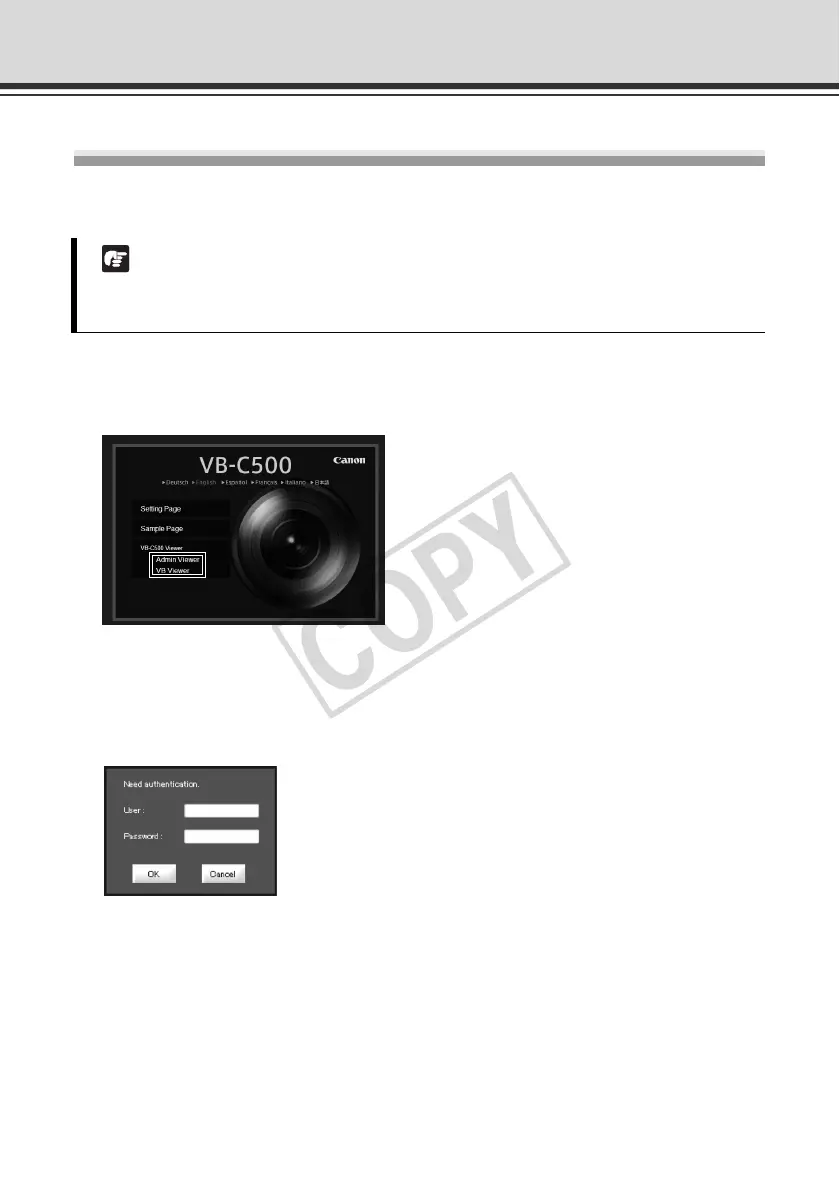
1. Access "http://192.168.100.1/" in the web browser.
2. Click [Admin Viewer] or [VB Viewer] according to the user.
3. If [Admin Viewer] has been clicked, enter the user name and password.
The factory settings are as follows ( P. xiii):
User name: root
Password: camera
The user name "root" is the Administrator account for the camera.
* The password is "camera." Be sure to change them on the [Network] setting page ( P. 1-7).
Note
This document explains relevant operations based on the IP address "192.168.100.1"
(factory setting). In reality, the customer must enter the IP address set for the camera.



 To Next Page