1-6
Accessing the Setting Menu
Returning to the Setting Menu
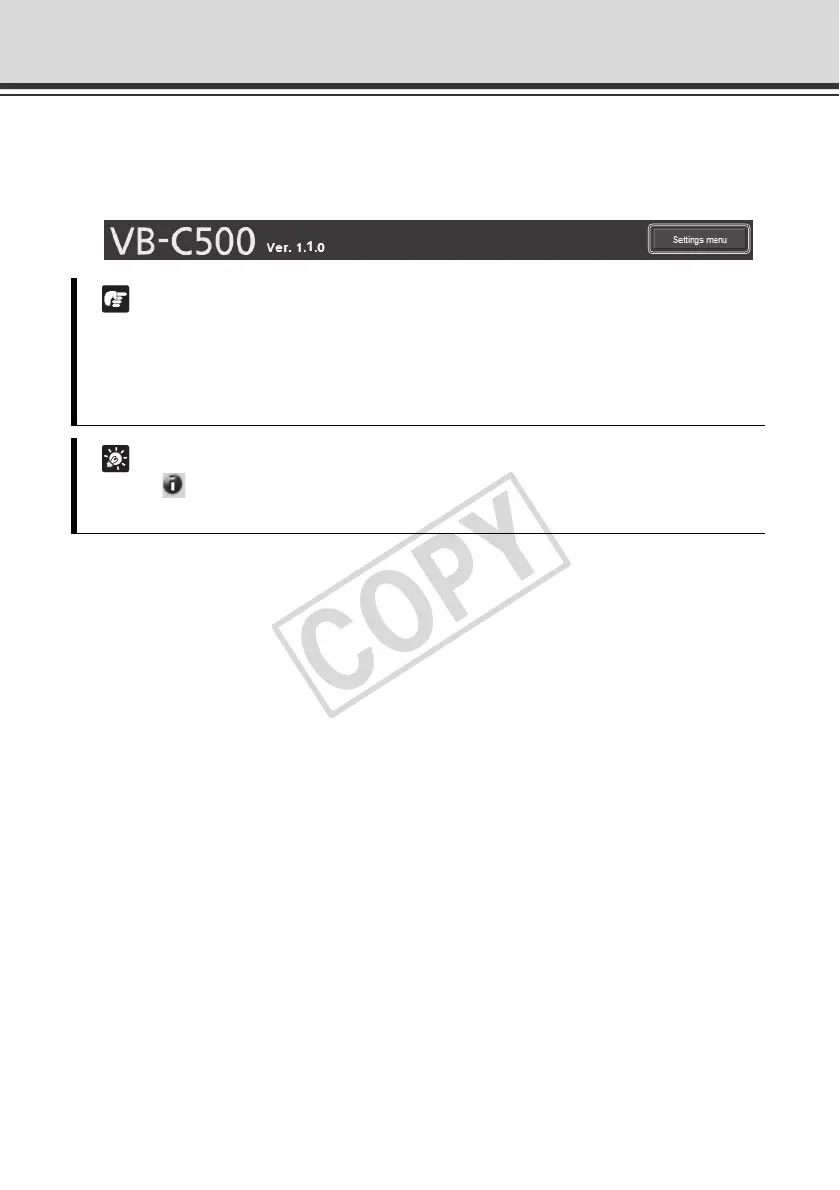
To return to the Setting Menu from each setting page, click the [Settings menu] button on the
top right of the setting page.
Note
z Be sure to change the settings of each camera within one setting page.
z Do not move between setting pages using the [Back] and [Forward] buttons of the browser.
The new settings may return to the original settings or unwanted setting changes may
occur.
Tip
Clicking [Help] to the left of each item on the setting page displays a detailed explanation
of each setting item.



 To Next Page