1-38
Setting User Access Privileges (Access Control)
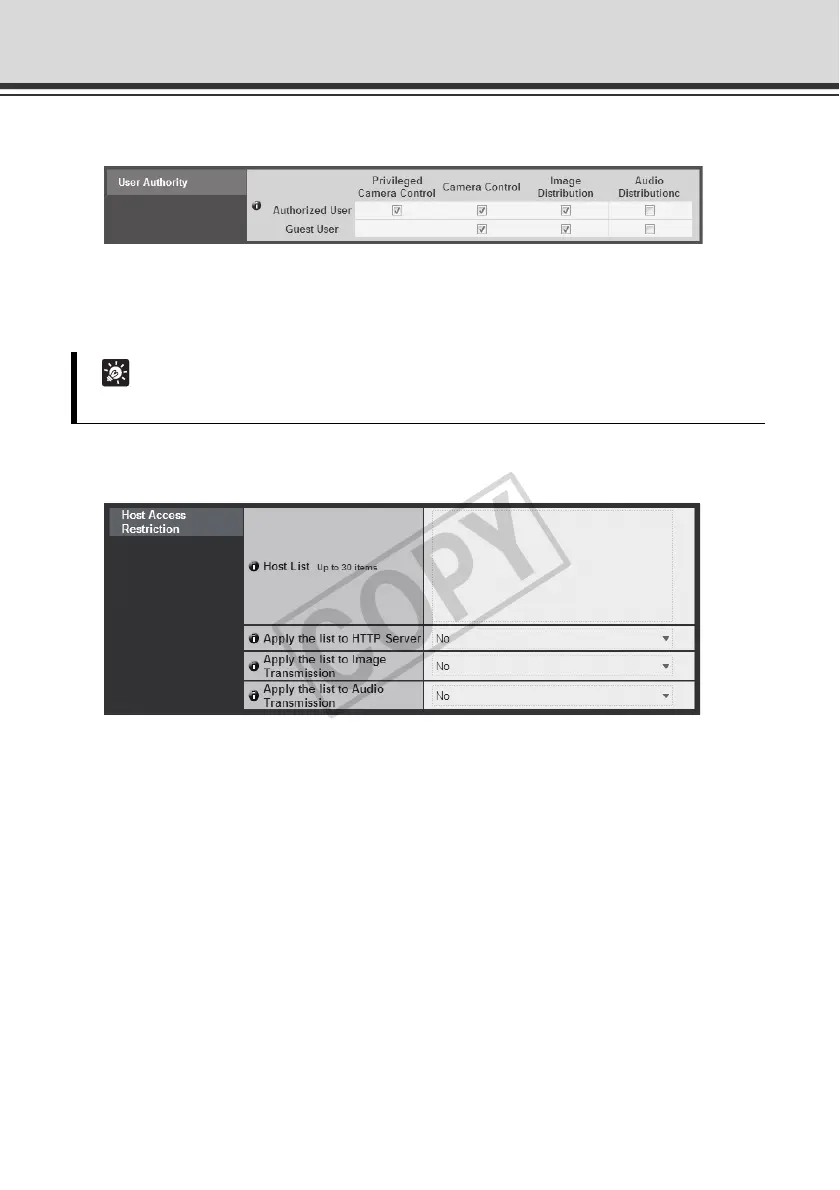
User Authority
[Privileged Camera Control], [Camera Control], [Image Distribution], [Audio Distribution]
Set the user privileges of authorized users and guest users. Select the check boxes
corresponding to the items you want to permit for each user.
Host Access Restriction
(1) [Host List]
A list of hosts from which access is permitted and restricted is shown.
(2) [Apply the list to HTTP Server]
If [Ye s] is selected, the host list is applied to HTTP server access. Not only access from
various viewers, but access to the top page and setting pages is also limited.
The list is also applied when distributing image and audio.
(3) [Apply the list to Image Transmission]
If [Ye s ] is selected, the host list is applied when the image distribution function is used.
Access from various viewers can be restricted.
The list is also applied when distributing audio.
(4) [Apply the list to Audio Transmission]
If [Ye s ] is selected, the host list is applied when the audio distribution function is used.
Utilization of audio can be restricted.
Tip
Authorized users can have higher privileges than guest users.



 To Next Page