1-5
1
1
Before Use
Bundled Software
The VB-C500VD/VB-C500D comes with the software specified below.
For the latest information on this product (firmware, bundled software, operation manuals,
operating environment, etc.), visit our website.
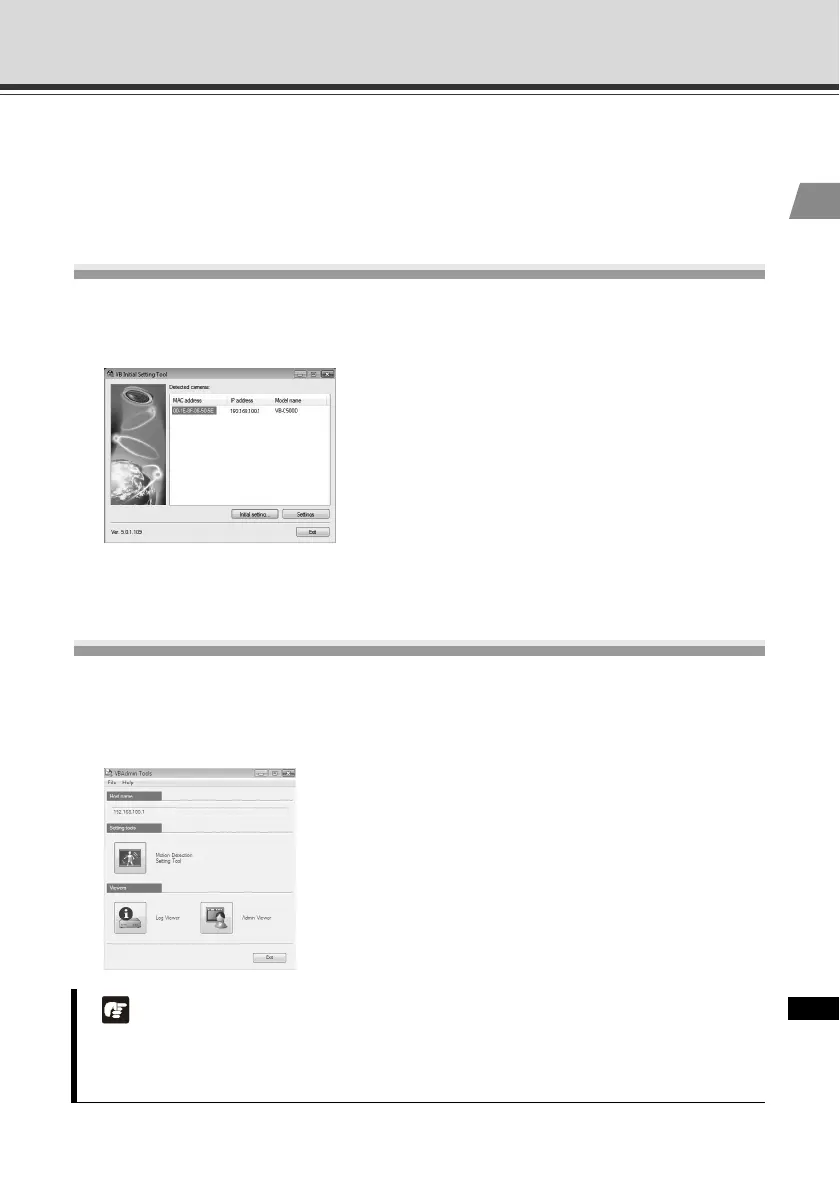
VB Initial Setting Tool ( P. 2-10)
Carries out initial settings for VB-C500VD/VB-C500D. It is installed from Setup CD-ROM
( P. 2-4). Users other than Administrators need not install this tool.
VBAdmin Tools
( "Overview of VBAdmin Tools" in Operation Guide)
VBAdmin Tools are for visually setting motion detection and for displaying logs taken by the
camera. It is installed from Setup CD-ROM ( P. 2-4). Users other than Administrators need not
install this tool.
Note
To use the camera with VBAdmin Tools for the VB-C60, VB-C300 or VB-C50 series, install
VBAdmin Tools for the VB-C50 series first, and then install VB-C300, install VB-C60, and
finally install VBAdmin Tools bundled with the camera.



 To Next Page