2-3
Flow of Setup
Initial Setting and Installation of Camera
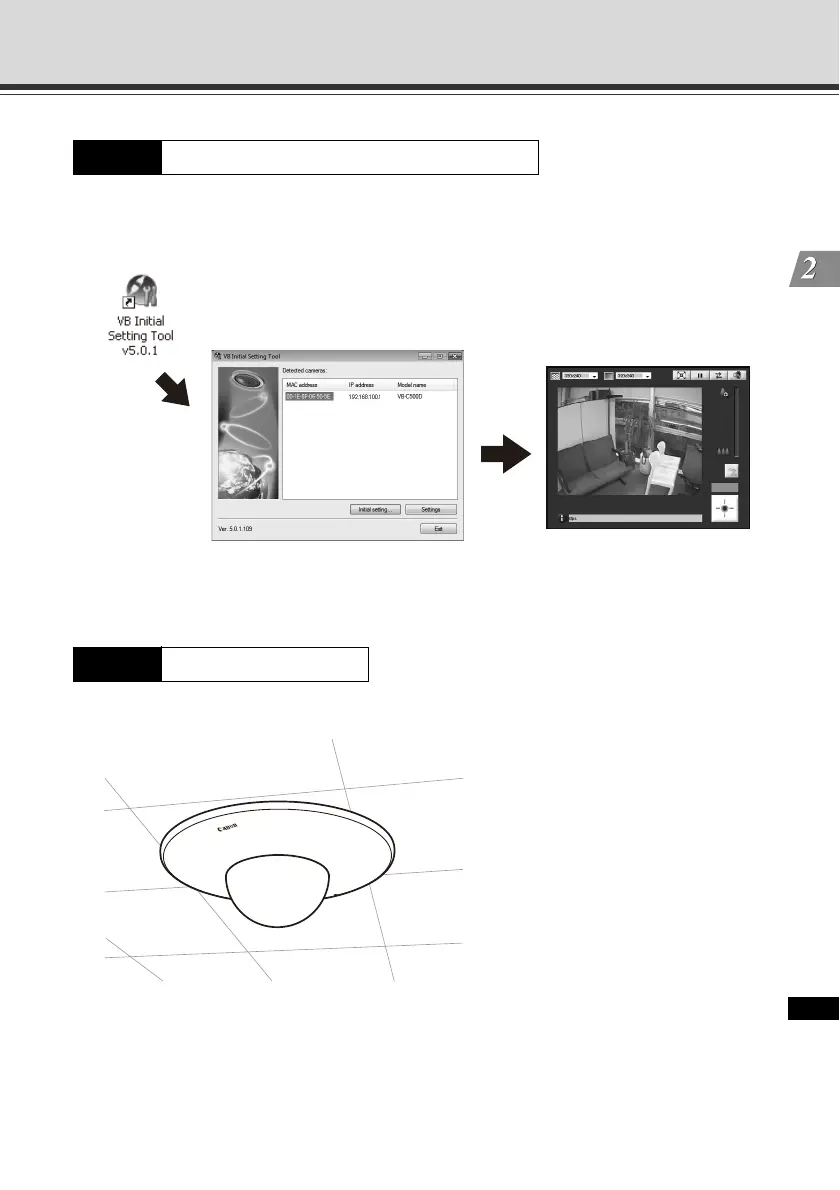
Start VB Initial Setting Tool and perform initial setting of the camera ( P. 2-10).
Check the image using VB-C500 Viewer ( P. 2-13).
Install the VB-C500VD/VB-C500D securely ( P. 2-15).
Step 3 Perform initial setting of the camera
Step 4 Install the camera
VB Initial Setting Tool window
VB-C500 Viewer



 To Next Page